
New Store and Business Technology Setup in Toronto
New store and business setup in Toronto from GTA Security Camera Pros prepares the physical technology behind opening day for new retailers, restaurants, clinics, offices, salons, warehouses, and service businesses. We plan and install security cameras, POS and inventory hardware, Wi-Fi access points, and structured cabling as one coordinated scope.
What's included
- Security cameras and local NVR recording
- POS, payment-terminal, and inventory hardware setup
- Cat6 cabling, Wi-Fi access points, switches, and racks
- One site plan coordinated around your opening date
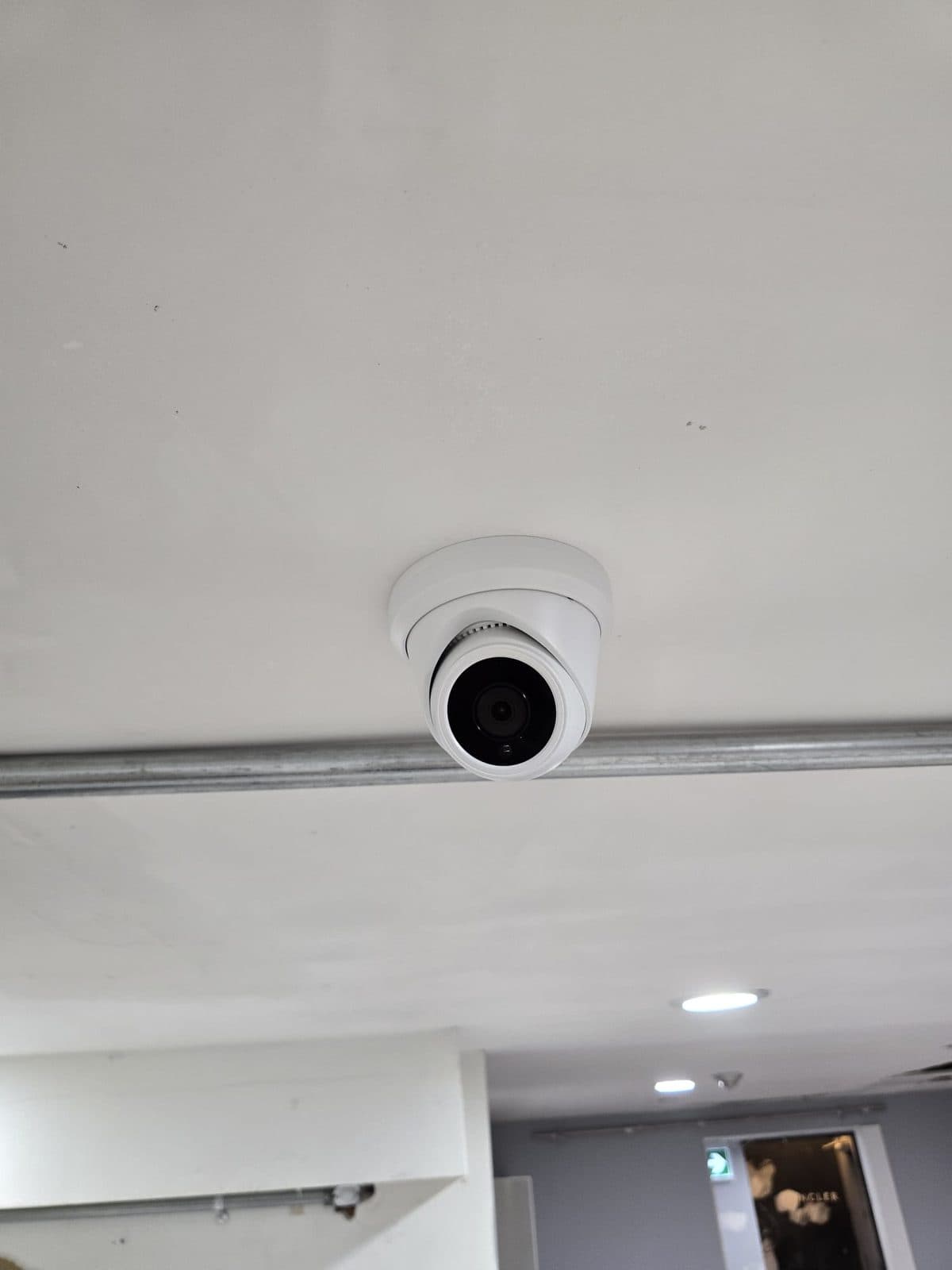
Plan the technology before counters and ceilings are finished
The easiest time to plan a new business setup is while the space is still being designed or renovated. Counter locations, ceiling access, wall finishes, network entry points, equipment rooms, and available power all affect where devices can go and how cleanly they can be connected. We review the floor plan and walk the site before the final finishes whenever possible. That gives the owner, contractor, and other trades a clearer picture of camera positions, low-voltage routes, POS locations, access-point coverage, and the place where network and recording equipment will live.
Security camera coverage designed around the new operation
A useful camera layout follows the way customers, staff, deliveries, cash, and inventory move through the business. For a retail store, that may include the front entrance, tills, aisles, stock room, receiving door, and exterior approach. A restaurant may prioritize entries, counter service, storage, delivery access, and waste areas. Offices, clinics, salons, and service businesses need different views and should avoid private treatment or staff spaces. We choose overview and identification angles, plan PoE cable routes, size the recorder, and configure supported mobile viewing and playback.
A practical POS counter and payment-hardware setup
Your POS software provider and payment processor control accounts, subscriptions, menus, products, and merchant activation. We handle the physical setup around that system: terminal and display placement, receipt printers, cash drawers, barcode scanners, customer displays, network connections, and the cable routes that keep the counter organized. Planning the hardware footprint early helps prevent a finished counter from becoming crowded with power bars and loose patch cables. It also lets camera coverage, staff movement, and customer-facing equipment be considered together instead of being added as separate last-minute jobs.
Inventory devices, printers, and back-of-house connectivity
New stores and businesses often need more than one checkout device. Inventory scanners, label printers, office workstations, kitchen or order printers, tablets, and back-of-house equipment may all depend on stable network access. We map where those devices will be used, which ones should be wired, and where Wi-Fi coverage needs to be strongest. Clean data runs and labeled connections make it easier for your POS vendor, IT support, or internal team to finish configuration and troubleshoot later. If hardware arrives in stages, the installation can be planned around the equipment and opening schedule you actually have.
Wi-Fi and network cabling built for staff and customers
One internet modem in a back room is rarely a complete network plan. Walls, shelving, coolers, equipment, distance, and the number of connected devices can all weaken coverage. We plan Cat6 runs for POS devices, cameras, office equipment, switches, and ceiling-mounted access points, then organize the network equipment in a sensible location. Guest Wi-Fi, staff devices, payment traffic, and security cameras may have different support requirements, so we leave the final network policies to the appropriate provider while delivering clean physical infrastructure that is easier to configure, maintain, and expand.
Coordinate the install with contractors, landlords, and vendors
Opening a new location involves overlapping schedules. Millwork may need device cut-outs, electricians need to know where power is required, internet service must arrive, and the POS vendor may need the network ready before remote configuration. We can review the scope with the owner, general contractor, landlord, electrician, internet provider, POS company, or IT contact so responsibilities are clear. Low-voltage rough-in can happen while routes are accessible, with cameras and hardware installed later when dust-heavy work is complete. A staged plan reduces rushed decisions during the final week before opening.
Opening-day handoff with room for the next location
Before handoff, we test the installed cable runs, confirm camera recording and playback, label important connections, and verify that supported devices can reach the network they require. The responsible person receives a walkthrough of camera names, mobile viewing, footage search, and basic equipment organization. If the business expects to add another till, camera, office, patio, storage area, or second location, we can reserve recorder channels, switch capacity, and practical cable pathways. Consistent naming and equipment organization also make a future multi-location rollout easier for owners and support teams to understand.
Related services
From our jobs
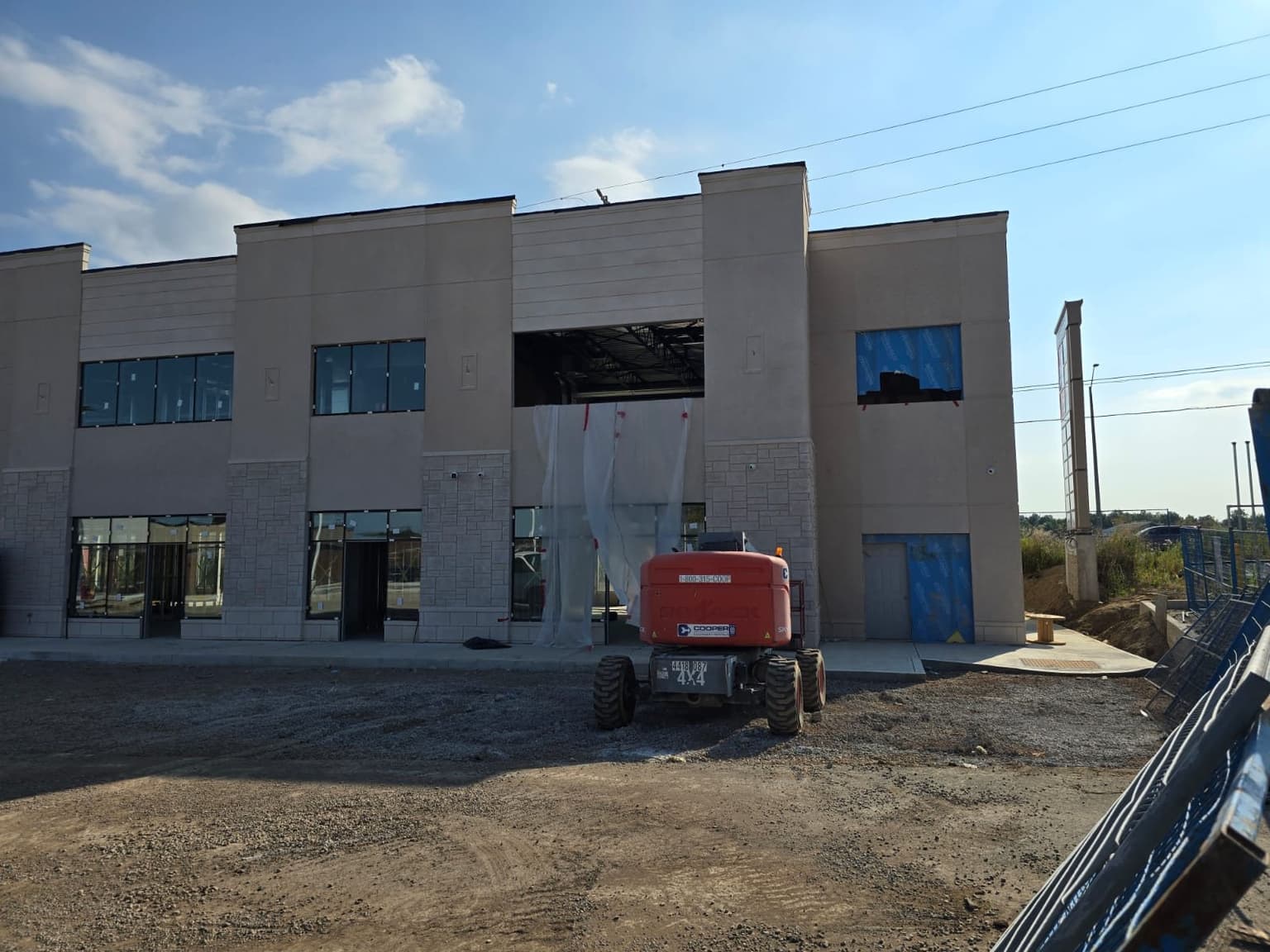
New commercial build, lift on site for the high mounts 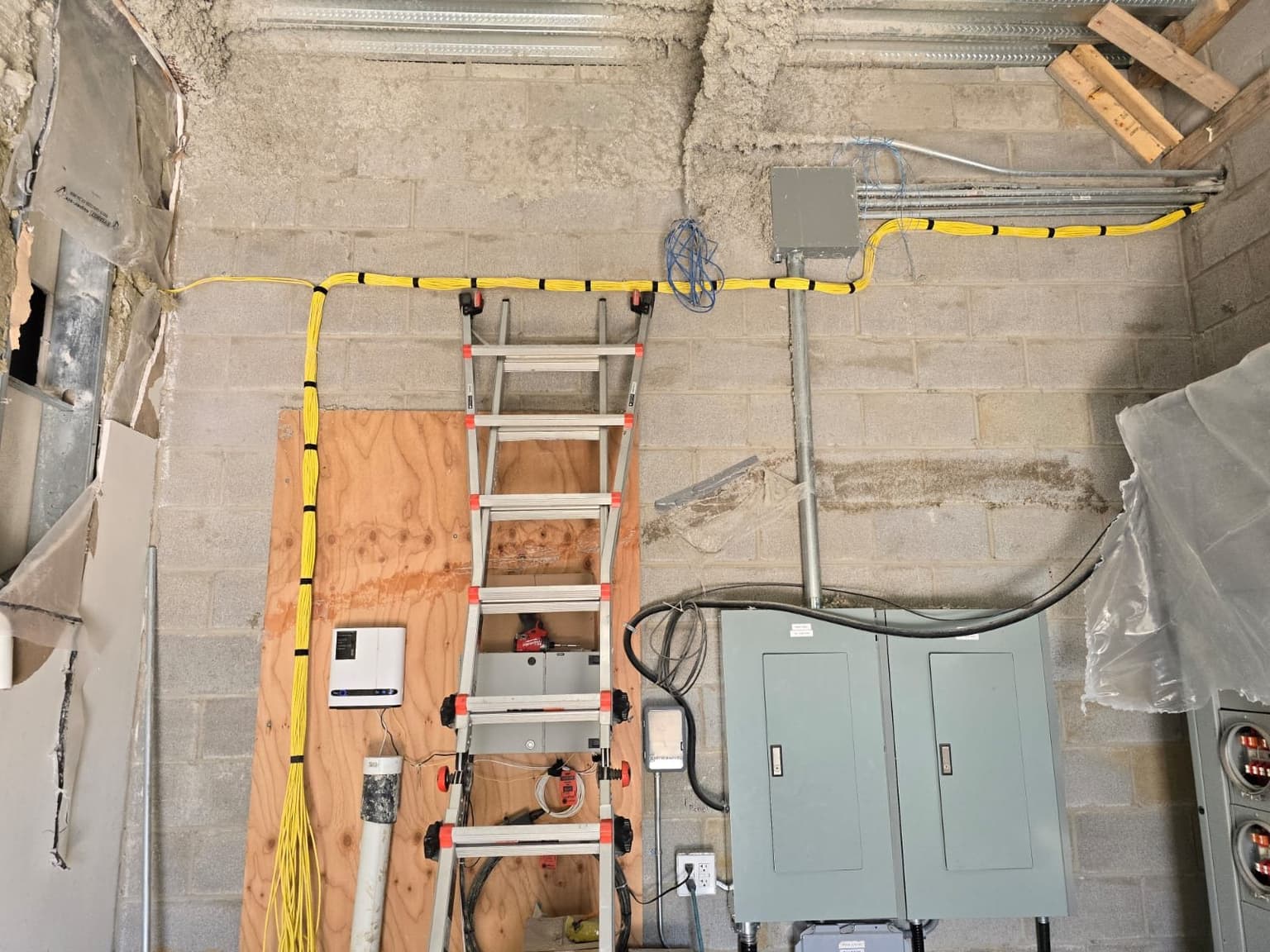
Cable runs in an unfinished electrical room 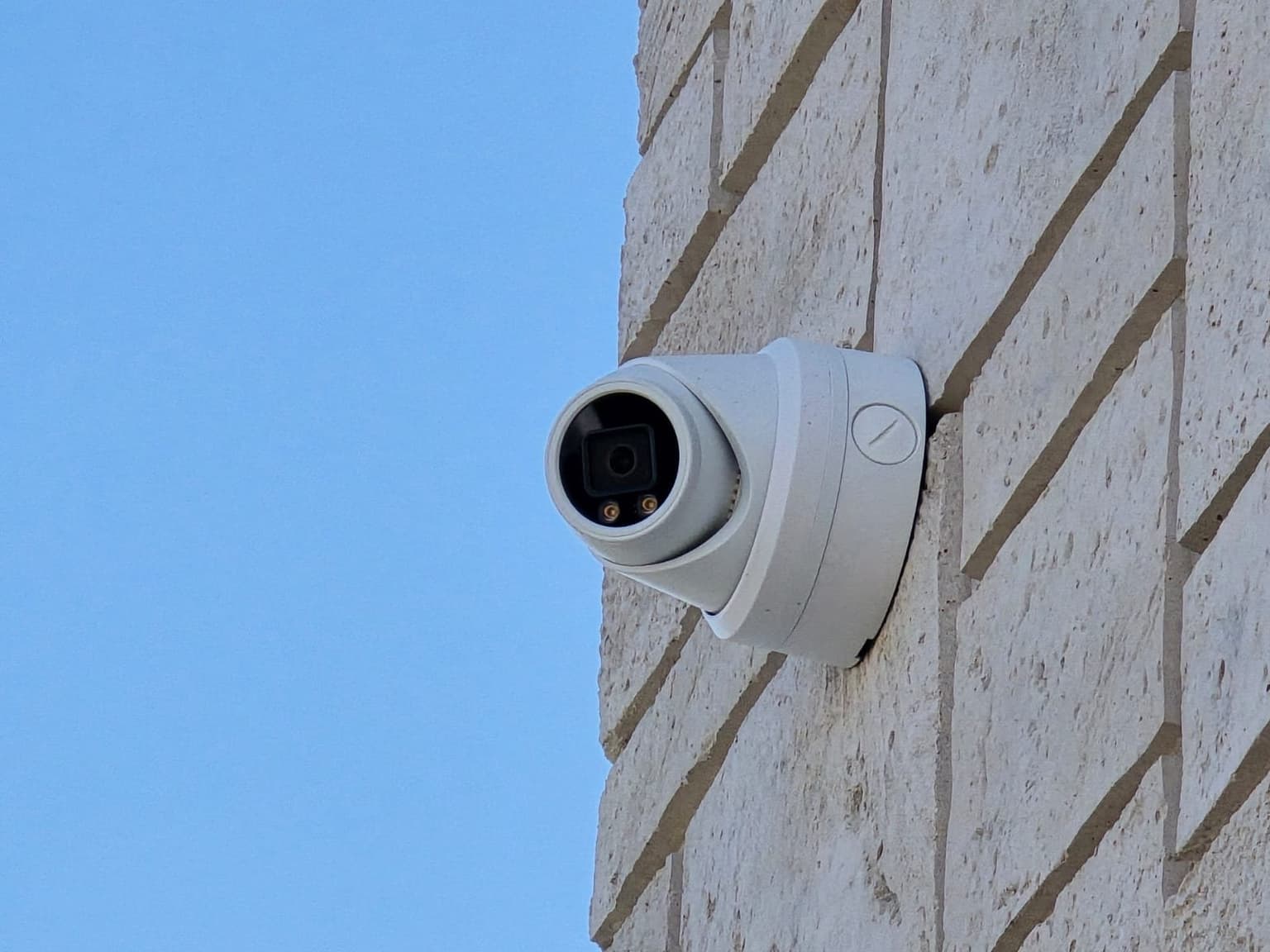
Turret camera tucked into a stone corner 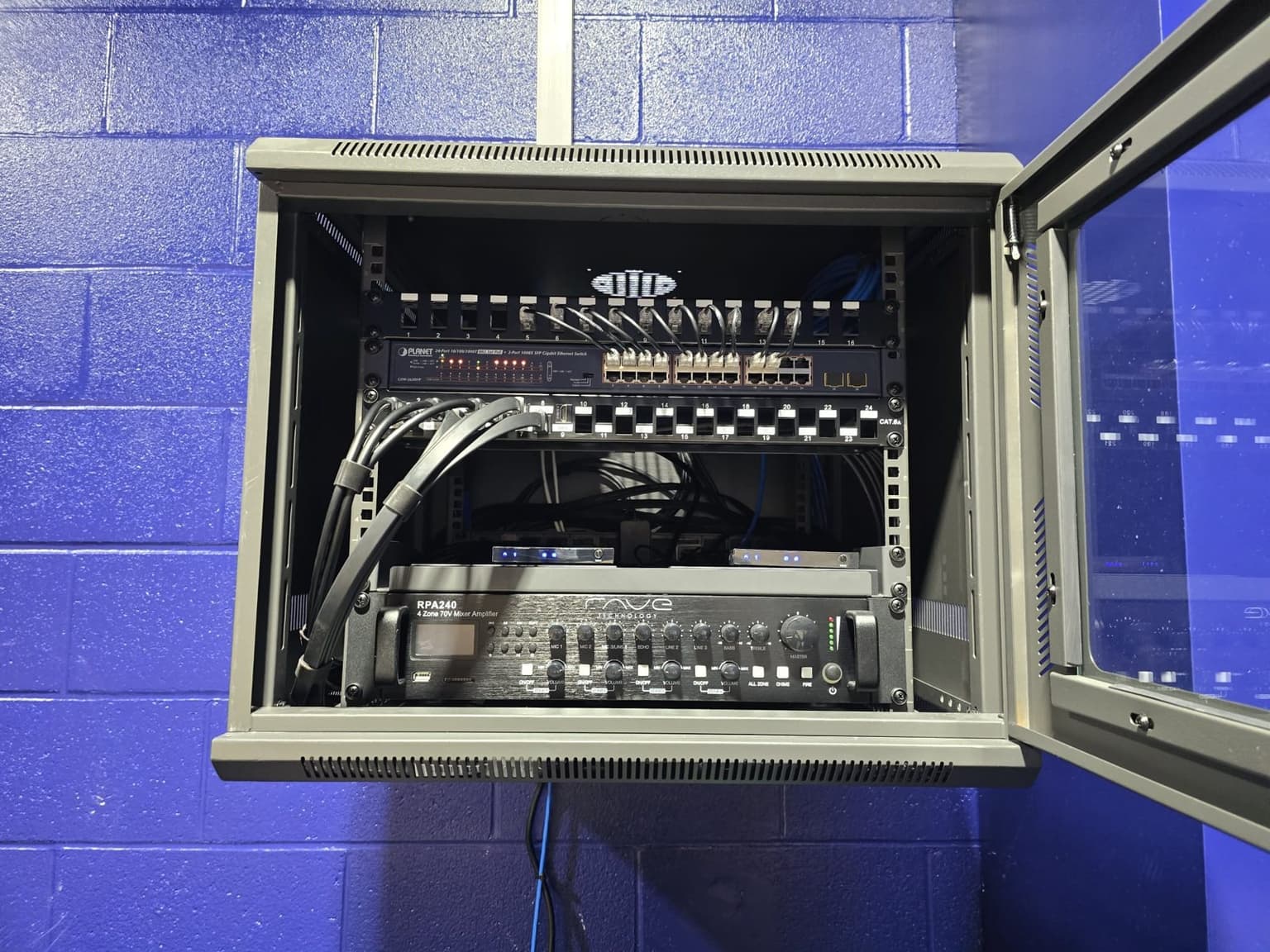
Wall cabinet open, patch panel and switch inside
New Store Setup questions
Don't see yours? Call or text 647-797-8315.
When should I call about technology for a new store?
Ideally, contact us before ceilings, counters, and wall finishes are complete. Early planning creates more cable-route options and makes it easier to coordinate device locations with the contractor, electrician, internet provider, and POS vendor.
Can you handle cameras, POS hardware, and network cabling together?
Yes. We can plan the physical camera system, POS and inventory devices, Wi-Fi access points, switches, and structured low-voltage cabling as one scope. Account activation and business software remain with your POS, payment, or IT provider.
Do you supply the equipment or install equipment I already bought?
Both options are available. We can recommend and supply suitable equipment, install compatible customer-provided hardware, or combine the two after reviewing the site and system requirements.
Can you work with my general contractor and other vendors?
Yes. We can coordinate low-voltage routes, device locations, access, and timing with the general contractor, electrician, landlord, internet provider, POS company, or IT contact.
What kinds of new businesses do you set up?
We work with retail stores, restaurants, cafés, clinics, offices, salons, warehouses, showrooms, and local service businesses across Toronto and the GTA. The final scope is based on the property and operating needs.
Can the system be expanded after the business opens?
Yes. We can plan spare recorder channels, switch capacity, rack space, and cable pathways for likely additions such as another till, camera, access point, office, storage area, or second phase.
Ready for a price?
Call, text, or send the form. We reply within a few hours.