
Security camera installation in Toronto and the GTA, planned around real blind spots.
Security camera installation in Toronto and the GTA from GTA Security Camera Pros means wired surveillance systems for homes and businesses, with proper placement, discreet wire routing, NVR setup, and live mobile viewing. Start with a free site visit and a quote based on the actual cable path.
What's included
- Home and business coverage planning
- Wired PoE, IP, and compatible CCTV systems
- NVR storage, playback, and export setup
- Night-image and entrance-view testing
- Finished-space cable routing and labelling
- Owner-controlled mobile and desktop access
What it costs
| Job | Price range | Typical |
|---|---|---|
| 8-camera commercial system, supplied and installedMost land around $5,000 to $6,000 | $3,000 to $9,000 | Most land around $5,000 to $6,000 |
| 16-camera commercial system, supplied and installedMost land around $12,000 | $8,000 to $17,000 | Most land around $12,000 |
| Installing cameras you already boughtMounting, connection and setup | About $250 per camera | Mounting, connection and setup |
| Cable drop or mounting point, priced on its ownFor jobs where the cable is the main work | About $200 each | For jobs where the cable is the main work |
Prices in Canadian dollars. What moves the number: camera count, cable length, ceiling height and lift work, finished versus open ceilings, the brand you pick and how many days of recording you want. The site visit is free and the quote is in writing.
★★★★★ Google review
“Great experience with GTA Camera Security Pros. They were professional, knowledgeable, and made the whole security camera installation process easy. The cameras were installed cleanly, everything was set up properly, and they took the time to explain how the system works. Very responsive and reliable service. Would definitely recommend them to anyone looking for security camera installation in the GTA.”
Recent commercial jobs
Newly built custom home, North York · 6 exterior PoE cameras
Replacing Wi-Fi cameras that kept dropping in a North York custom home
Six wired PoE cameras and an 8-channel NVR, fished through finished walls and ceilings without a single drywall cut. Done in a day.
How we did itRetail store in a strip mall, Markham · 1 visible dome at the door, 2 on the cash wrap
Same-day cameras after an attempted break-in at a Markham strip mall
No footage of the attempt. On site 30 minutes after the call, three cameras and phone viewing working in 3.5 hours.
How we did itWarehouse and logistics hub, Vaughan · About 800 ft of Cat6, inside and out
Closing a blind spot in a Vaughan distribution bay in one day
High-value stock kept going missing from one bay. 800 ft of new Cat6 and 4K turrets with person detection, about 6 hours on site.
How we did itStart with the event each camera needs to capture
A useful layout begins with the places and events that matter: a person approaching a front door, a vehicle entering a driveway, activity at a till, access through a loading door, or movement along a side passage. We walk the property, identify the required view, check mounting height and obstructions, and compare overlapping angles before choosing a camera count. A wide overview can show that something happened while a tighter entrance view may be needed to show who or what was involved. The plan separates those jobs instead of expecting one high-mounted camera to cover everything.
Camera selection follows distance, light, and field of view
Resolution is only one part of image quality. Lens choice, subject distance, viewing angle, backlighting, reflections, mounting surface, weather exposure, and available light all affect the result. A camera that looks clear in daylight can lose useful detail when headlights, deep shadows, rain, insects, or infrared reflection enter the scene. We match fixed or adjustable views to the location and test important scenes rather than treating every corner of the property as the same installation.
Plan the cable path before mounting hardware
For permanent systems, wired PoE commonly carries power and data on one network cable between each camera and the recorder or switch. Existing coax may sometimes support a compatible upgrade, while other sites need new cable. We trace routes through accessible basements, attics, soffits, ceilings, service spaces, conduit, and comms rooms; check run length and outdoor exposure; and agree on visible sections before drilling. Finished homes, tenant spaces, fire separations, high ceilings, masonry, and lift access can all change the method and quote.
The recorder and network are part of the camera system
An NVR or DVR needs enough compatible channels, storage, network capacity, power, ventilation, and physical security for the planned cameras. Retention depends on camera count, resolution, frame rate, compression, recording schedule, scene activity, and drive size, so a promise based only on terabytes can be misleading. We configure channel names, date and time, recording behaviour, playback, and a practical export workflow. Where uptime matters, switch capacity, recorder location, internet dependence, and optional backup power should be discussed before installation.
Remote viewing should not leave the installer in control
Mobile and desktop viewing is set up for the owner’s approved users, then demonstrated with live view, playback, notifications, and export where supported. The Office of the Privacy Commissioner of Canada warns that web-connected cameras can be exposed when default or weak credentials remain in use. The system handoff should include changing default passwords, using unique owner-controlled accounts, enabling multi-factor authentication when the platform supports it, applying current firmware, and recording who has administrative access. Port forwarding or unsupported remote-access shortcuts should not be the default.
Privacy belongs in the placement plan
For a home, avoid aiming into neighbouring windows or private spaces and use privacy masks where the equipment supports them. For a business, the Office of the Privacy Commissioner advises defining a clear purpose, considering less intrusive alternatives, limiting each camera’s viewing range, notifying people, securing recordings, restricting access, and deleting footage when it is no longer required. Audio adds separate privacy and legal concerns and should remain off unless the owner has established a specific lawful need. The property owner is responsible for policy and legal decisions; our role is to make the approved field of view, permissions, and recording settings practical.
Commission the system in daylight and darkness
Before handoff, each channel should be checked for focus, obstruction, horizon, glare, backlight, infrared reflection, motion blur, date and time, recording, and playback. Important views are tested against the real scene rather than only on a ladder-mounted phone screen. Night performance may require repositioning, reducing a wide view, adding suitable light, or changing the camera type. We also confirm that cable entries and outdoor connections are protected appropriately and that the recorder can retrieve footage from every installed channel.
Leave the owner with a usable system record
A complete handoff identifies each camera, cable or switch port where practical, recorder location, storage assumptions, account owner, installed apps, export steps, and any limitations that could affect future service. The owner should receive the credentials and understand how to add or remove authorized users without relying on an installer account. Cameras, lenses, connections, storage health, timestamps, remote access, and exported clips should be checked periodically. A documented baseline makes later expansion or troubleshooting faster and reduces the chance that a failed channel goes unnoticed.
Official planning references
From our jobs
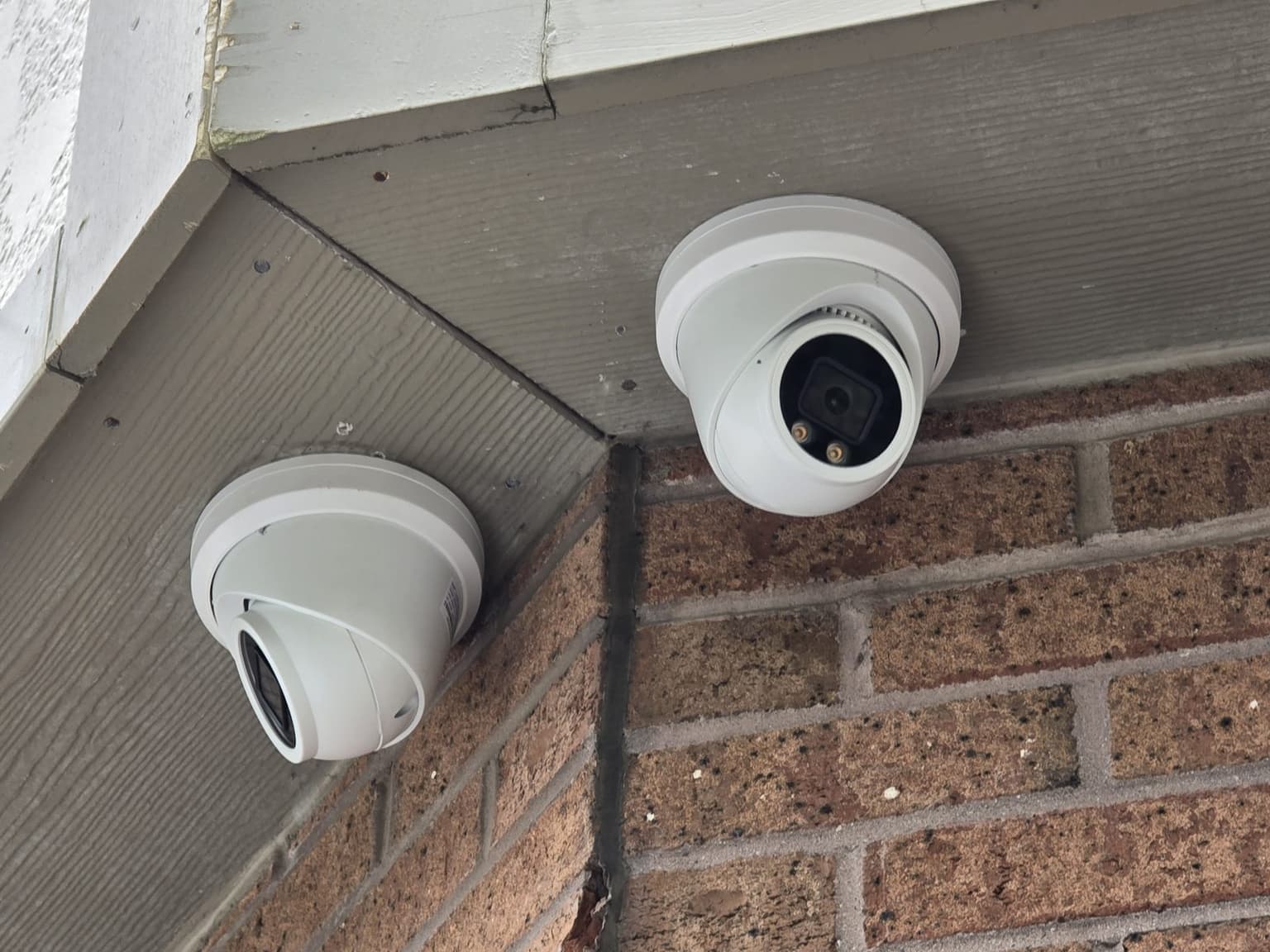
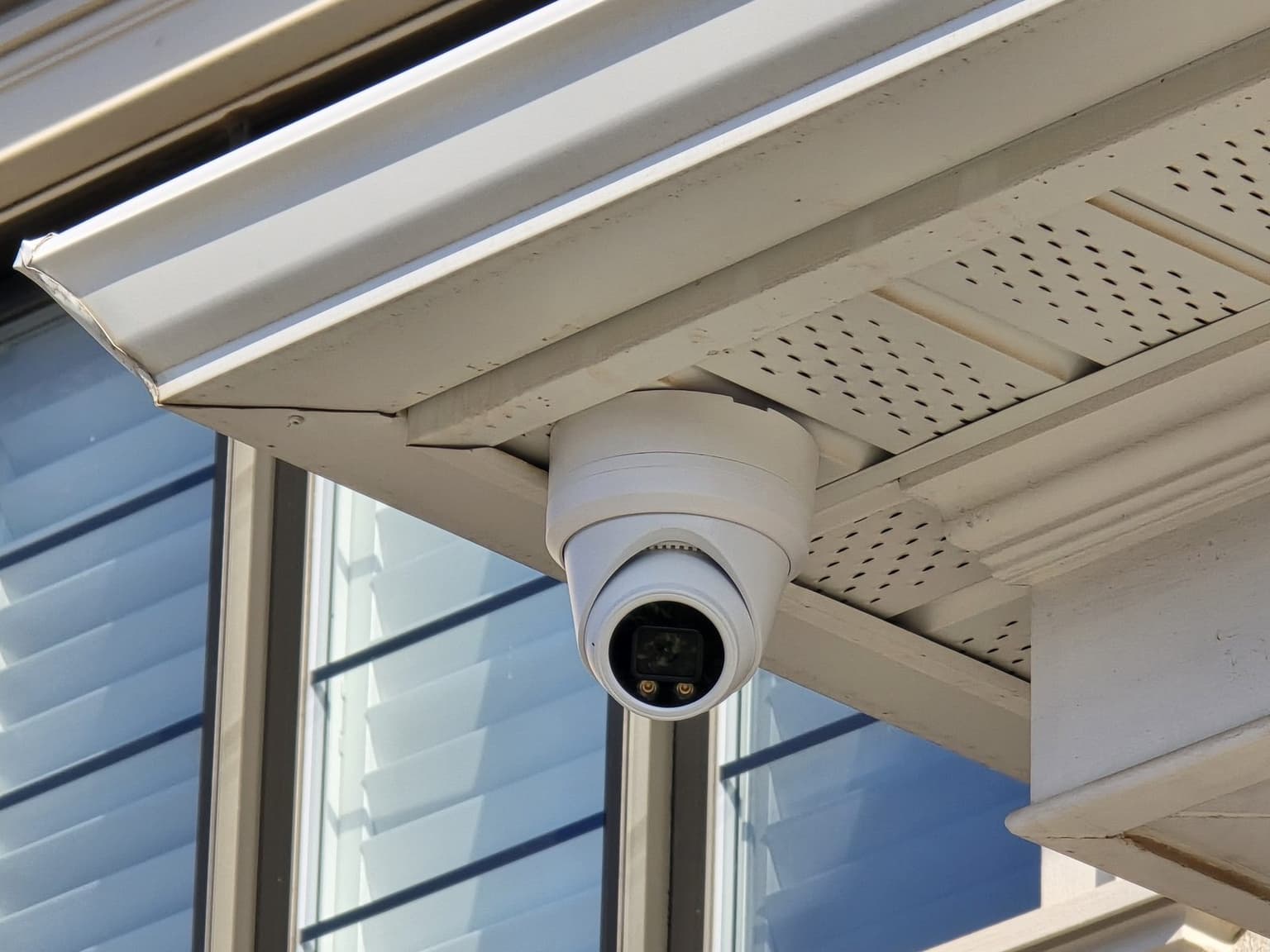
Storefront canopy cameras covering the entrance and walkway 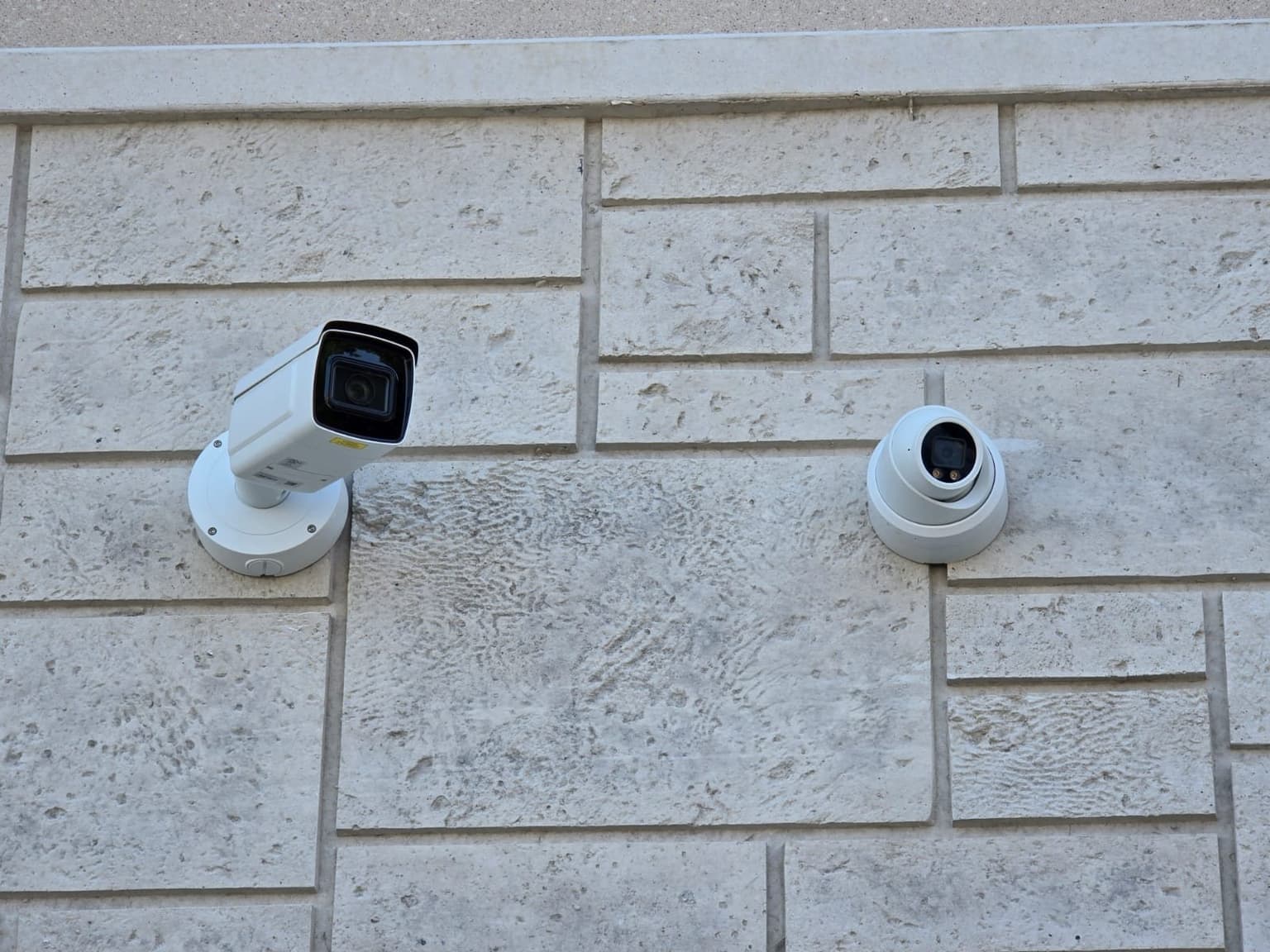
Bullet and turret camera side by side on precast stone 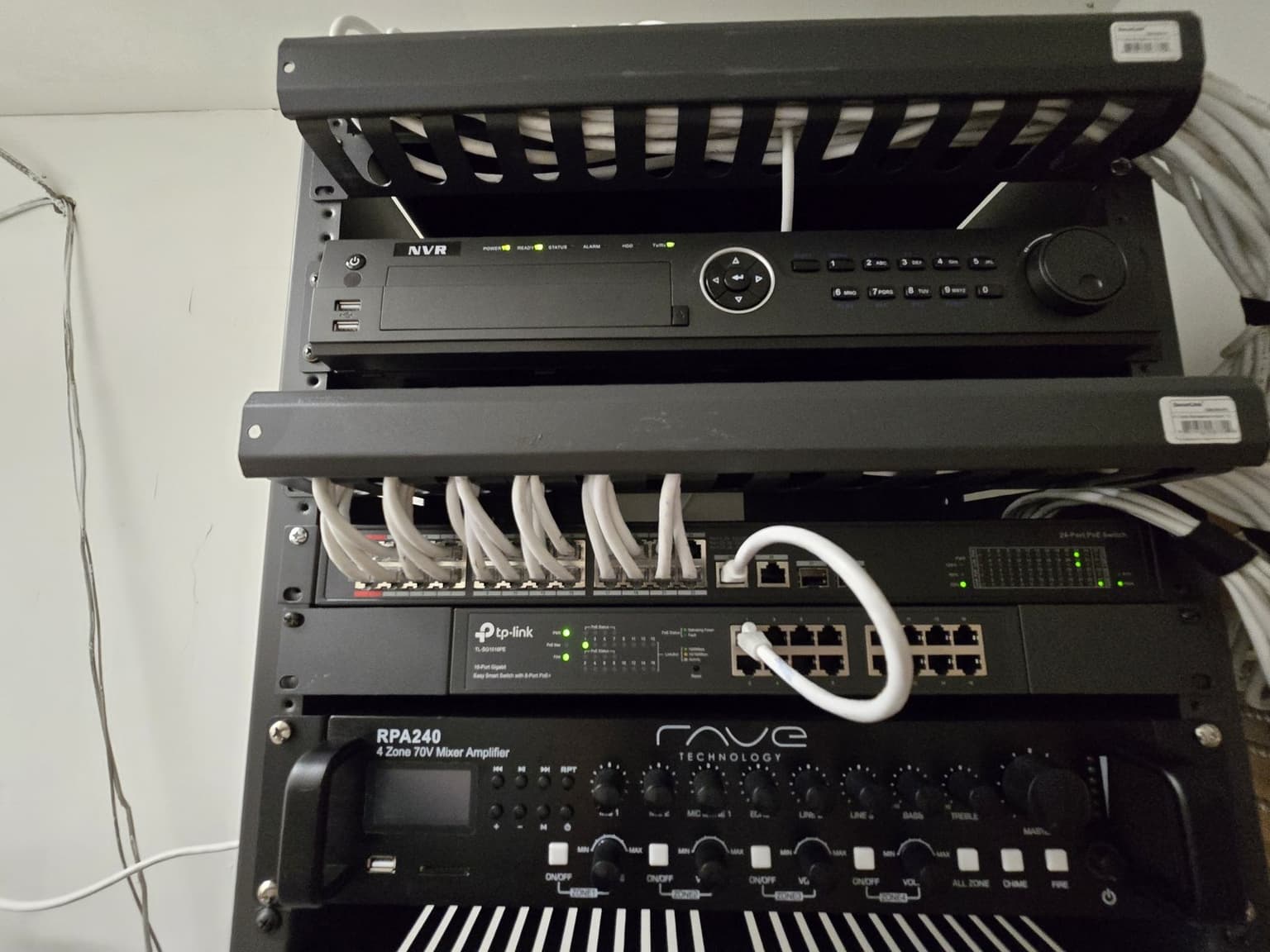
NVR, PoE switch and patch cables in one rack 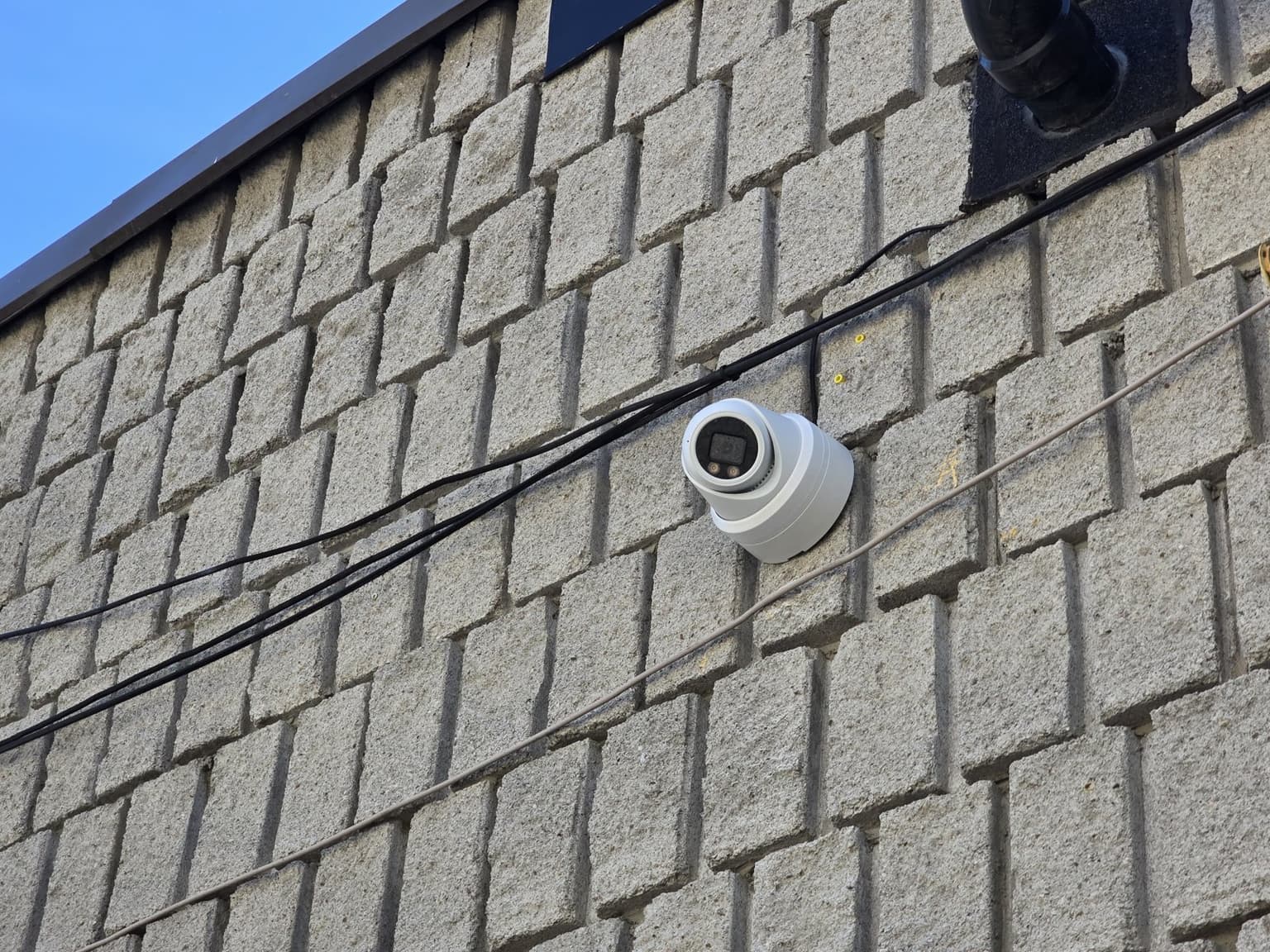
Turret camera on a block building, cable run along the wall
Camera Installs questions
Don't see yours? Call or text 647-797-8315.
How much does security camera installation cost in Toronto?
For a business, 8 cameras supplied and installed usually costs $5,000 to $6,000 (range $3,000 to $9,000) and 16 cameras $8,000 to $17,000. If you already have the cameras, installing them is about $250 each. The free site visit sets the exact number.
Do you install systems with no monthly fees?
Yes. Many clients choose local-recording NVR systems so they own the footage and avoid recurring cloud charges.
Should I choose wired PoE or wireless cameras?
PoE is often the better fit for a permanent multi-camera system because one cable carries data and power and footage can record locally. Wireless or battery cameras can suit specific small or temporary locations. The building, cable access, coverage goal, and internet dependence determine the better option.
How long will an NVR keep security footage?
Retention depends on the number of cameras, resolution, frame rate, compression, recording schedule, scene activity, and installed storage. We size and configure the recorder around the retention goal instead of promising a fixed number from drive size alone.
Can you install cameras that I already purchased?
Sometimes. We first confirm the camera, recorder, cabling, power, app, account ownership, and firmware are compatible and supportable. Labour scope and warranty boundaries should be clear before existing or owner-supplied equipment is installed.
Will you set up viewing on my phone?
Yes, for supported systems. We configure owner-controlled access and demonstrate live view, playback, alerts, and export as applicable. The owner keeps the administrative credentials and decides which other users receive access.
Where should outdoor security cameras point?
The view should match the event you need to capture while minimizing neighbouring property and private areas. Entrances often need a tighter identification view, while driveways or yards may need a separate overview. Lighting and night performance should be tested before the angle is finalized.
Ready for a price?
Call, text, or send the form. We reply within a few hours.