
NVR Installation and Replacement in Toronto
NVR installation and replacement in Toronto from GTA Security Camera Pros covers network video recorders for Toronto and GTA homes and businesses. We identify the cameras, cable, PoE, storage, network, and account requirements first, then configure the recorder and prove that live view, recording, playback, export, time, and authorized remote access work together.
What's included
- New NVR installation and recorder replacement
- Camera, codec, resolution, and PoE compatibility checks
- Storage and retention planning
- Recording schedule, time, playback, and export testing
- Authorized mobile and desktop viewing setup
- Clear handoff for owners, managers, or IT teams
What it costs
| Job | Price range | Typical |
|---|---|---|
| NVR replacement with a new recorderCan run higher on large systems | $1,000 to $1,600 | Can run higher on large systems |
| Recorder labour and setup onlyIP addressing, app setup and camera settings | From $300 | IP addressing, app setup and camera settings |
Prices in Canadian dollars. What moves the number: camera count, cable length, ceiling height and lift work, finished versus open ceilings, the brand you pick and how many days of recording you want. The site visit is free and the quote is in writing.
Inventory the existing system before choosing a recorder
A recorder cannot be selected from camera count alone. We document camera makes and models, resolution, video format, power method, cable type, PoE requirements, current recorder, storage drives, network connection, and the users who need access. If the old NVR still operates, we also check its channel settings and available footage before anything is disconnected.
Confirm compatibility instead of assuming every IP camera will connect
Brand labels and an ONVIF logo do not guarantee that every camera feature will work with every recorder. We compare supported models, firmware, stream formats, resolution, frame rate, event support, audio, PTZ controls, and licensing where applicable. ONVIF Profile T describes features for conformant IP video products, but the exact profiles and functions supported by both devices still need to match.
Size storage around the footage the property actually needs
Retention changes with camera count, resolution, frame rate, video compression, recording mode, scene activity, and available drive capacity. We define the target window, confirm whether continuous or event recording fits the purpose, and size supported surveillance storage accordingly. The final setup is checked against the oldest footage available rather than relying only on a calculator estimate.
Plan the recorder location, power, PoE, and network path
The NVR needs secure access, ventilation, reliable power, and a practical connection to the camera network. We review whether cameras connect directly to recorder PoE ports or through a separate switch, whether the link has enough capacity, and how the recorder will reach approved viewing devices. Exposed, overheated, damp, or publicly accessible locations are identified before installation.
Protect existing footage before a replacement or reset
Replacing a recorder does not automatically move recordings from the old system. Before removal, formatting, or factory reset, the owner should identify any footage that must be preserved and confirm who is authorized to access it. We can test and export selected clips when the old equipment and credentials allow, but we do not promise recovery from a failed or unreadable recorder.
Configure recording, names, time, and event behaviour
Each channel receives a useful location name, correct date and time zone, a recording schedule, and settings appropriate to the scene. Motion zones, alerts, image settings, and any supported event rules are reviewed without pretending one preset suits every entrance, till, driveway, loading door, or corridor. Privacy masks and audio settings are handled according to the owner’s approved policy and equipment capabilities.
Set up remote access with the network owner involved
Remote viewing should not be an afterthought or depend on shared default credentials. The Canadian Centre for Cyber Security recommends changing default passwords, using two-factor authentication where available, applying supported updates, encrypting data, and isolating connected devices from sensitive networks. We coordinate account and network changes with the authorized owner or IT contact and record any limits imposed by older equipment.
Prove the handoff with playback and a real export
A row of live images is only the start. We play back a known recent event, export a short clip that opens away from the recorder, check the available retention window, and test the approved phones or computers. The handoff covers live view, search, playback, export, user access, and the support details the responsible person will need after an incident.
Official planning references
Related services
From our jobs
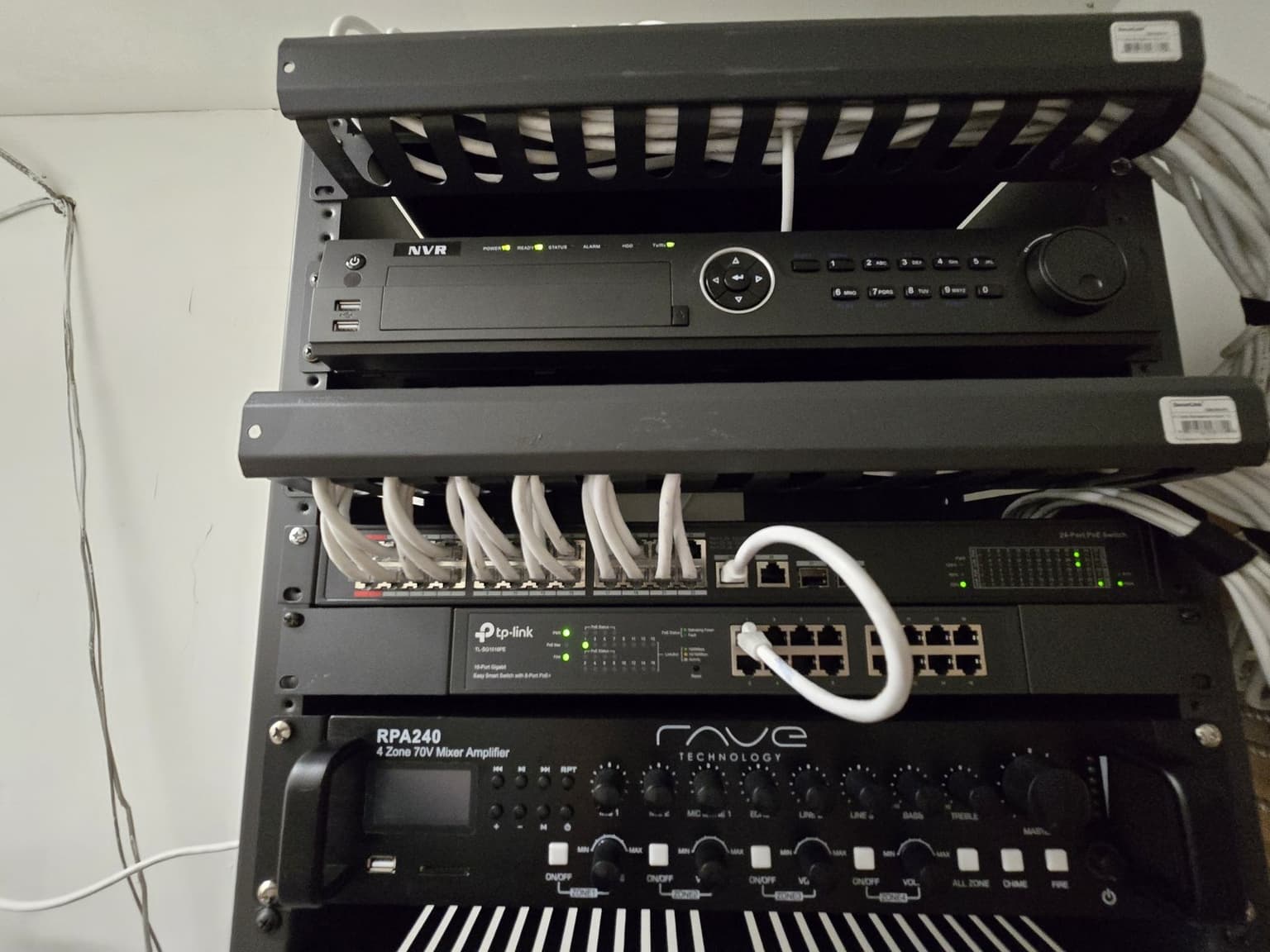
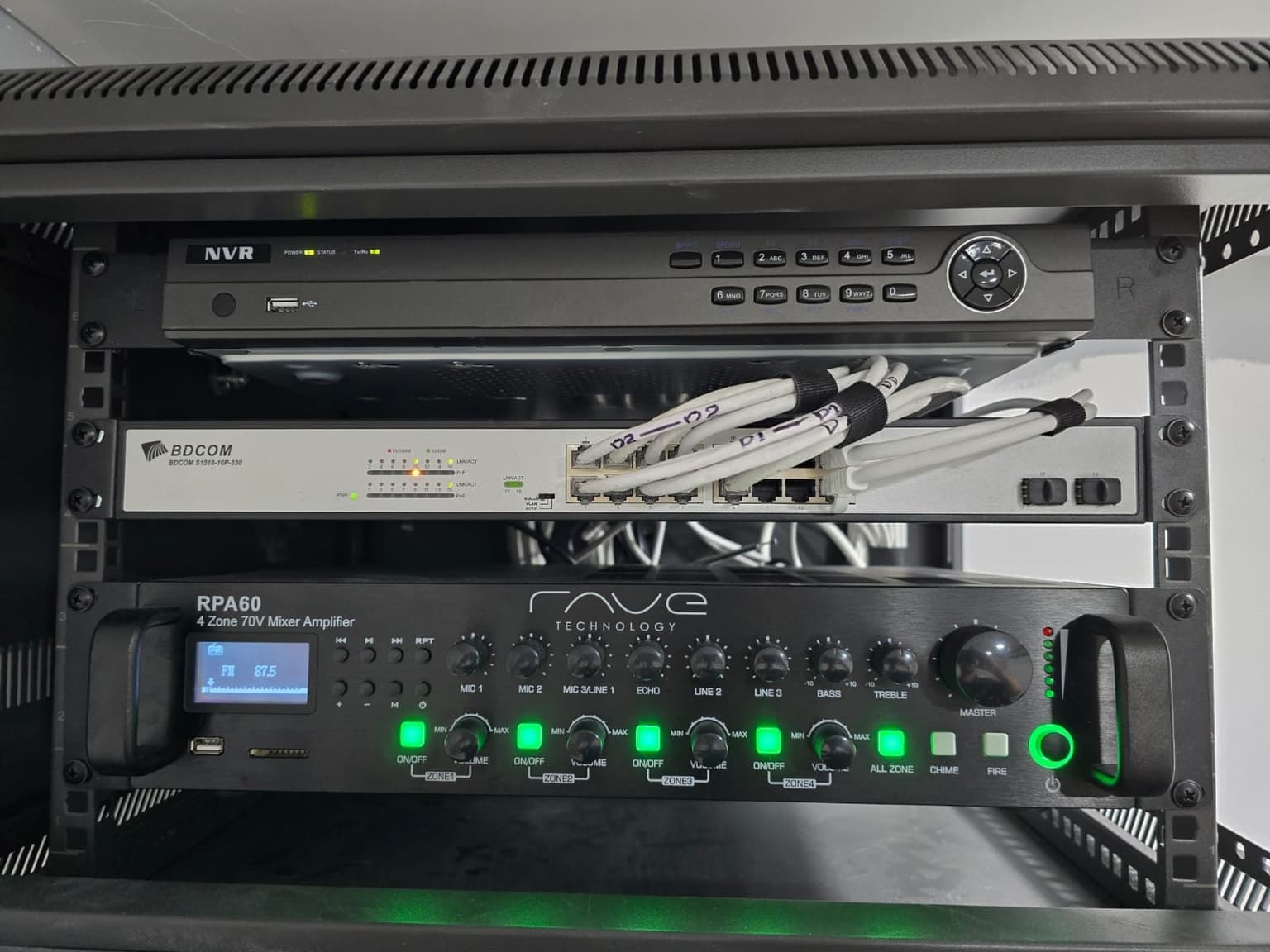
NVR, PoE switch and patch cables in one rack 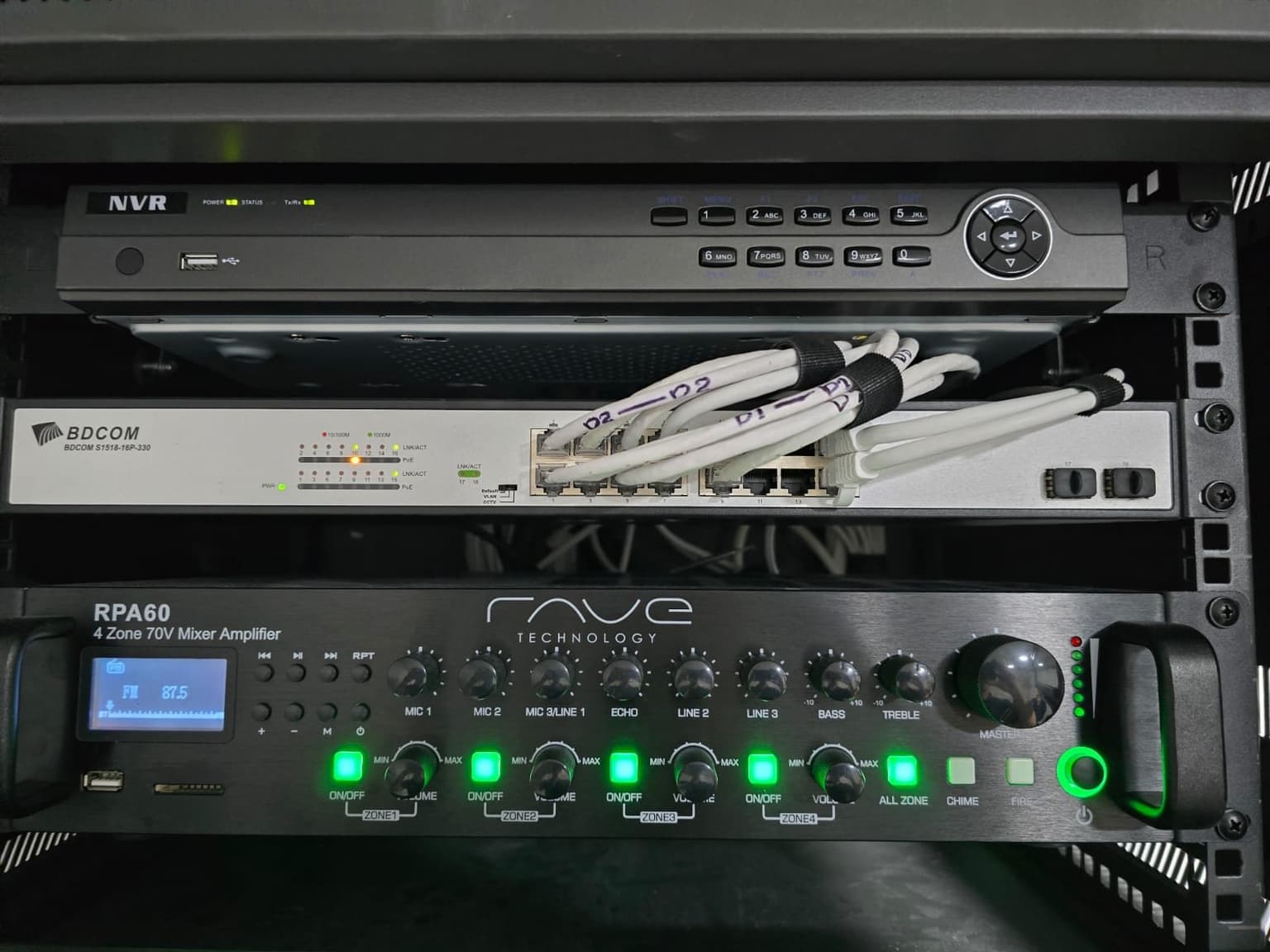
NVR, switch and amplifier in a small rack 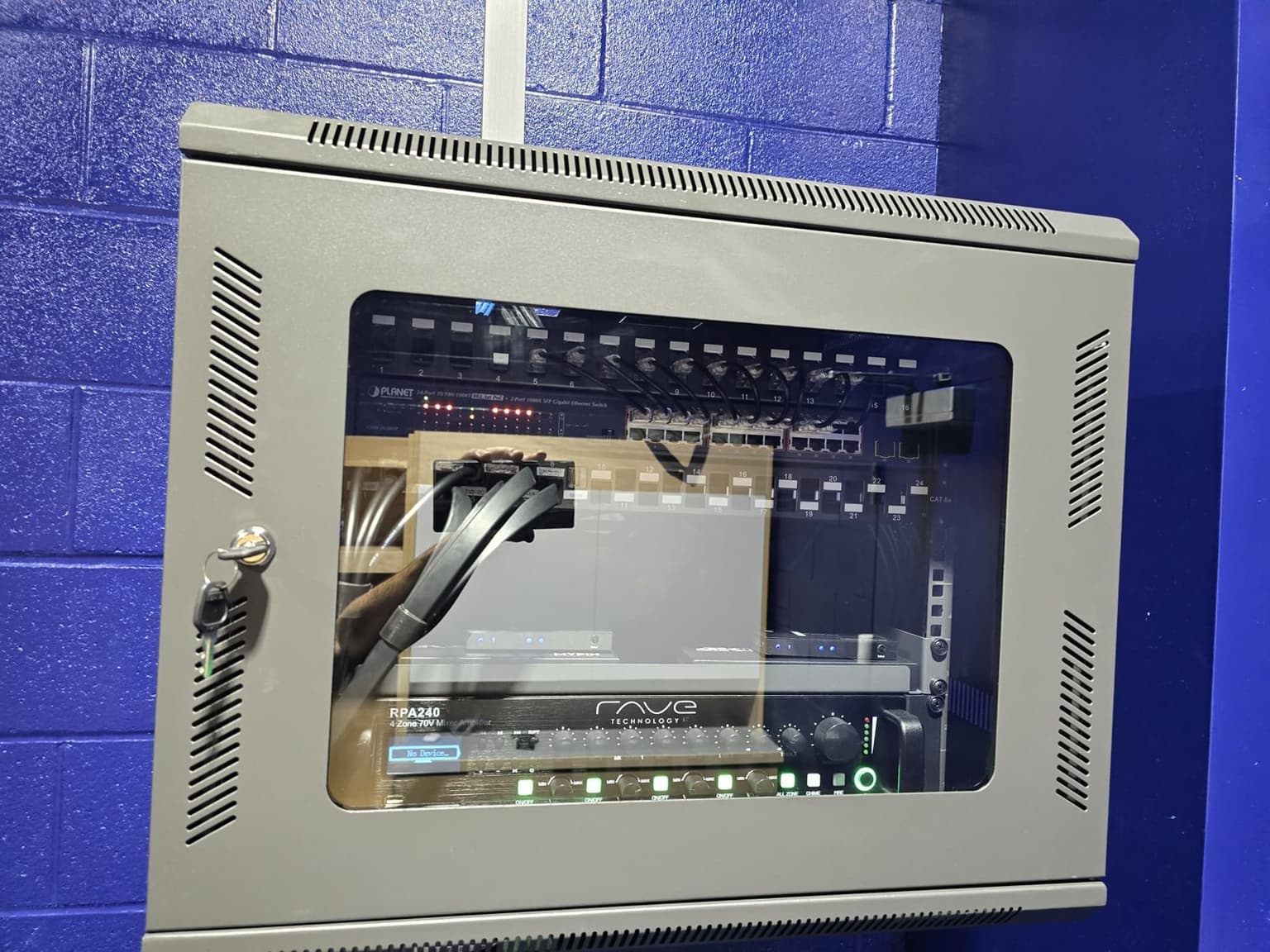
Locked wall cabinet on a block wall 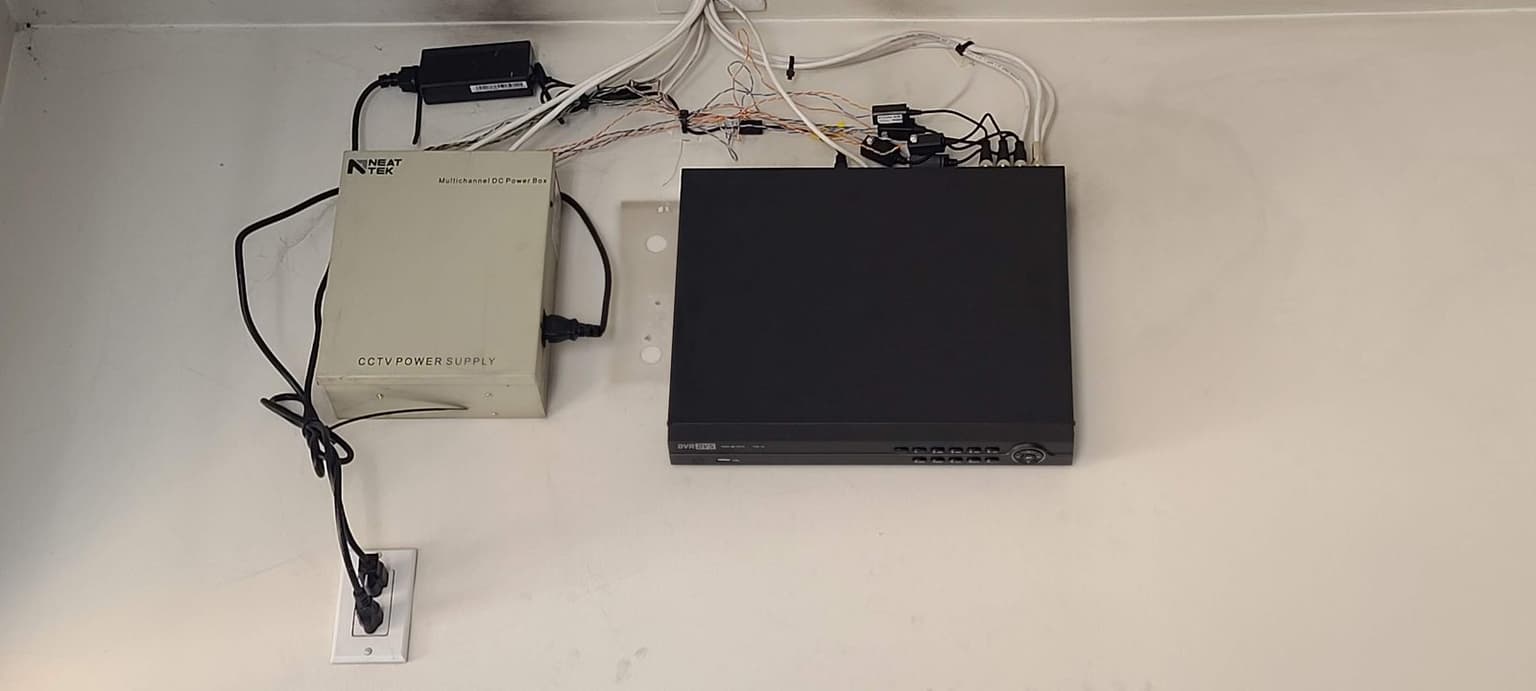
Older DVR and power supply before an upgrade
NVR Installation questions
Don't see yours? Call or text 647-797-8315.
Can you replace an NVR and keep my existing cameras?
Sometimes. It depends on the camera models, supported protocols and profiles, video formats, resolution, firmware, PoE requirements, passwords, and whether important functions work with the proposed recorder. We check compatibility before treating the existing cameras as reusable.
Will footage from my old NVR move to the new recorder?
Usually not as a complete searchable archive. Important clips should be identified and exported before the old recorder is removed or reset, when the equipment and authorized access still allow it. A failed drive or proprietary file format can limit what can be recovered.
How much NVR storage do I need?
Storage depends on camera count, resolution, frame rate, compression, scene activity, recording schedule, and the required retention period. We size the system around those inputs and then confirm the actual history after the recorder has been operating.
Can you install an NVR that I already purchased?
Yes, if the recorder, cameras, storage drives, PoE capacity, network requirements, and account access are compatible. We review the model information first so any missing parts or limitations are clear before the visit.
Can an NVR be set up without monthly cloud fees?
Many NVR systems record locally without a recurring cloud-storage plan. Remote-access services, optional cloud features, software licenses, or third-party monitoring can still have fees depending on the equipment and service selected.
What should be tested after NVR installation?
Check every camera in live view, confirm the recording schedule, play back a known event, export a clip, verify date and time, review available retention, test authorized remote access, and confirm that the responsible user can repeat those steps.
Ready for a price?
Call, text, or send the form. We reply within a few hours.