
Commercial Security Camera Maintenance in Toronto
Commercial security camera maintenance in Toronto from GTA Security Camera Pros means on-site maintenance visits for Toronto and GTA businesses. A maintenance visit checks the physical views, recorder, storage, cabling, network connection, playback, exports, and authorized access as one system. The goal is a clear list of what works, what needs attention, and what should be repaired or planned for replacement.
What's included
- Camera view and housing inspection
- Recording, playback, and export testing
- NVR, storage, PoE, and cable checks
- Remote access and authorized-user review
- Time, camera-name, and retention checks
- Documented deficiencies and next steps
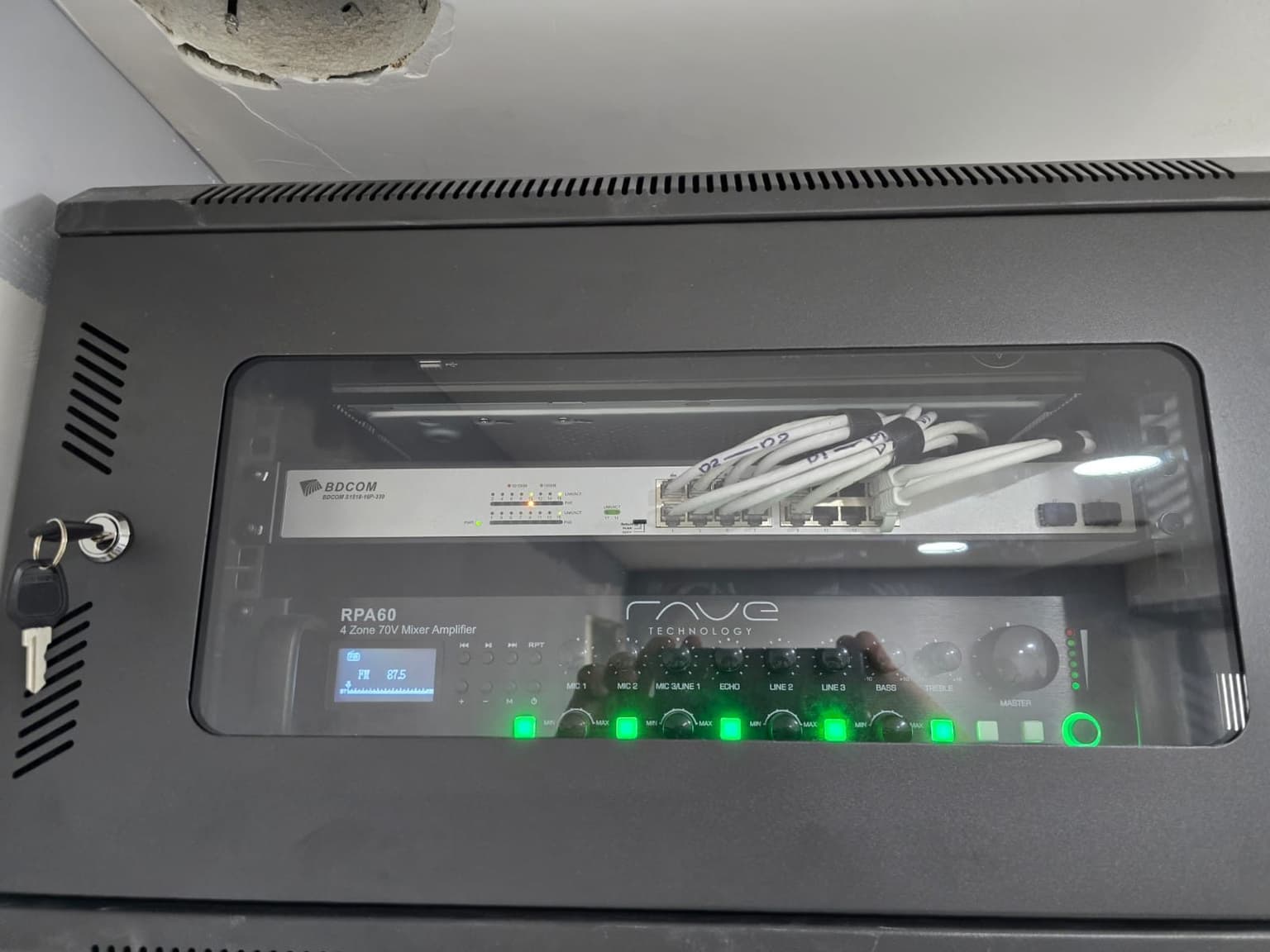
Start with the reason each camera is there
Maintenance begins with the site contact and a simple camera list: location, purpose, recorder channel, expected view, and the person responsible for the system. We compare that record with the live system before changing an angle or setting. A camera aimed at a delivery door, till, stock room, parking entrance, or office corridor has a different job. Confirming that job keeps the visit focused and helps avoid collecting wider views than the business actually needs.
Check the view at the camera, not only on the wall monitor
Shelving, signs, seasonal displays, parked vehicles, renovations, dirt, spider webs, glare, and a bumped mount can make a live picture far less useful than it appears from across a room. We compare the image with the physical scene, inspect accessible housings, mounts, exposed cable, conduit, and weatherproof connections, and note anything that blocks the intended view. Cleaning or adjustment is handled according to the equipment and approved coverage, not by casually widening the frame.
Prove recording with playback and a real export
A live image does not prove that footage is being stored. We find a recent known event on the selected channels, review the timeline for gaps, confirm the recording schedule, and export a short clip that can be opened away from the recorder. Camera names, date, time zone, and clock accuracy are checked because an incorrect timestamp makes footage harder to compare with transactions, access logs, alarms, or an incident report.
Review storage health and the actual retention window
Recorder status, hard-drive warnings, available history, and supported system logs can reveal problems that a live-view screen hides. We compare the oldest available footage with the retention window the business expects. Adding cameras or changing resolution, frame rate, activity, or recording mode can shorten that window without changing the hard drive. If storage shows errors, we document the condition before any reset, formatting, or replacement decision.
Follow recurring faults through power, PoE, cable, and network
Intermittent video can begin at a connector, damaged cable, power supply, PoE port, switch, recorder, camera, or network setting. We trace the affected channel instead of replacing the first visible component. For an existing system, compatibility, account access, manufacturer support, and the condition of connected equipment can limit the available repair. Those limits are identified before a proposed fix or staged upgrade is presented.
Test difficult lighting and night footage where records allow
Daylight commissioning alone can miss infrared reflection, headlight glare, dark corners, bright doorways, motion blur, and subjects that are too small in the frame. Where stored footage is available, we review representative daytime, nighttime, and lighting-transition clips. A wide overview may confirm movement without producing a useful face or plate; maintenance can improve aim and settings, but it cannot turn one general view into every kind of evidence.
Treat accounts and remote viewing as part of the system
The review can include authorized users, supported permission levels, remote-viewing status, and the phones or computers selected for testing. Former-user access, shared administrator accounts, default credentials, unsupported apps, and unplanned network changes are recorded for the business to address. The Canadian Centre for Cyber Security advises organizations to change default passwords, apply updates, protect networks, and plan for connected-device support. Updates are checked for compatibility before they are applied.
Leave a useful deficiency list instead of a vague pass or fail
The maintenance result separates immediate faults, recommended corrections, and longer-term replacement planning. Notes can identify the affected camera or channel, symptom, test performed, and next step so the business can prioritize work. The Office of the Privacy Commissioner of Canada also advises organizations to limit viewing range, restrict recording access, destroy footage when no longer needed, and periodically evaluate whether surveillance is still required. The business remains responsible for its policy and legal decisions.
Official planning references
Related services
From our jobs
Locked wall cabinet so the recorder cannot be unplugged 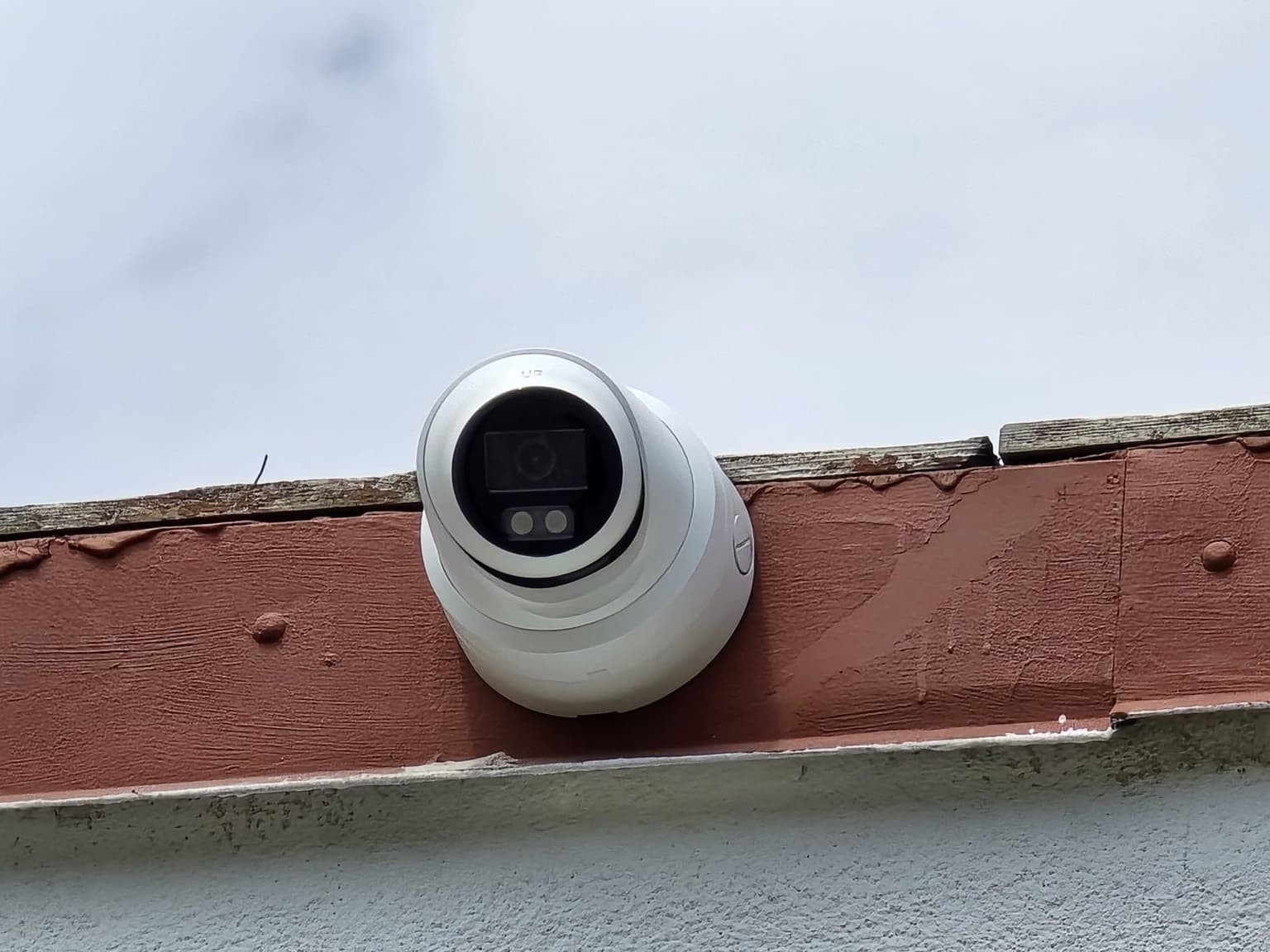
Turret camera on a parapet edge 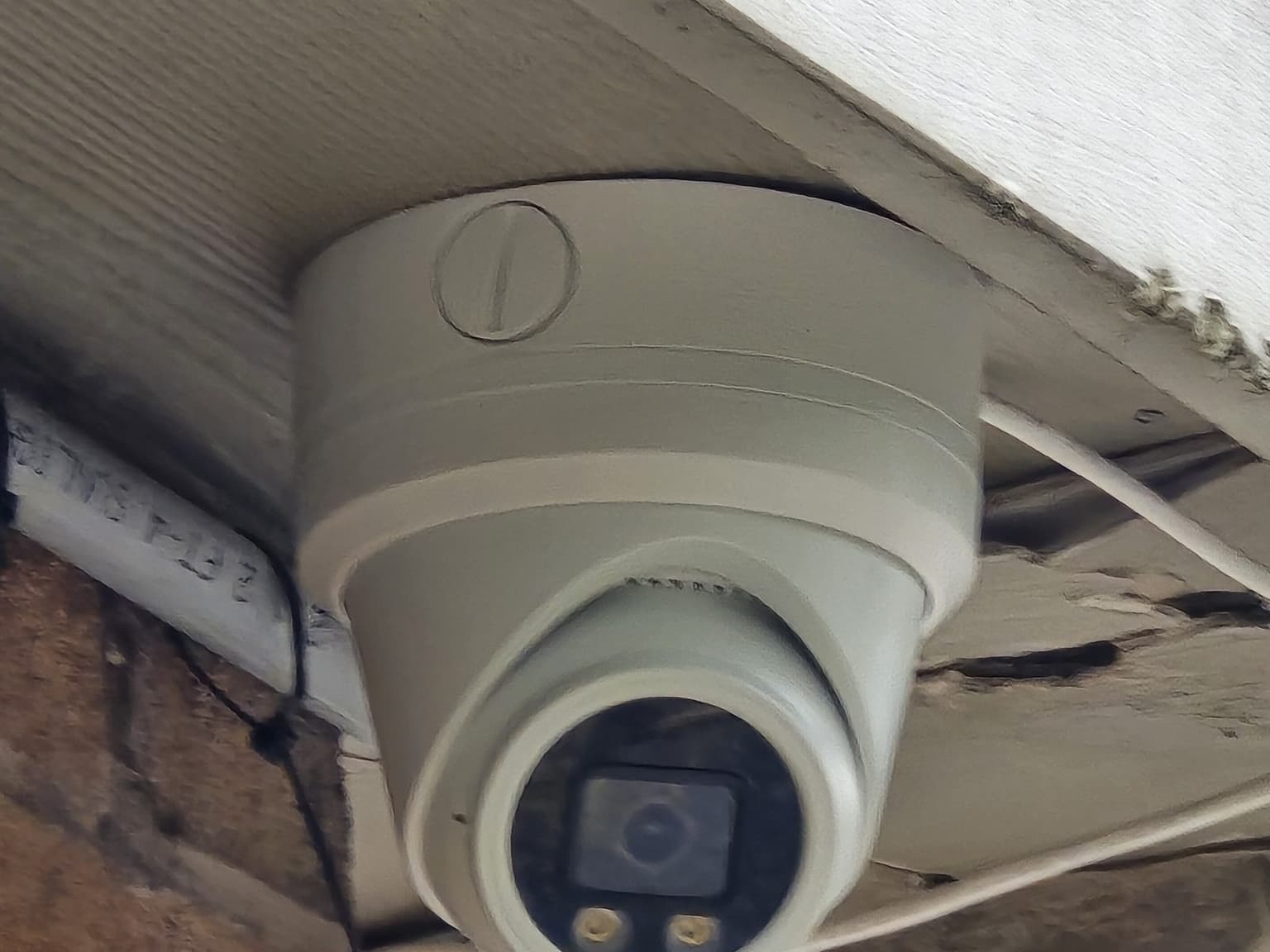
Colour night-vision turret under a canopy 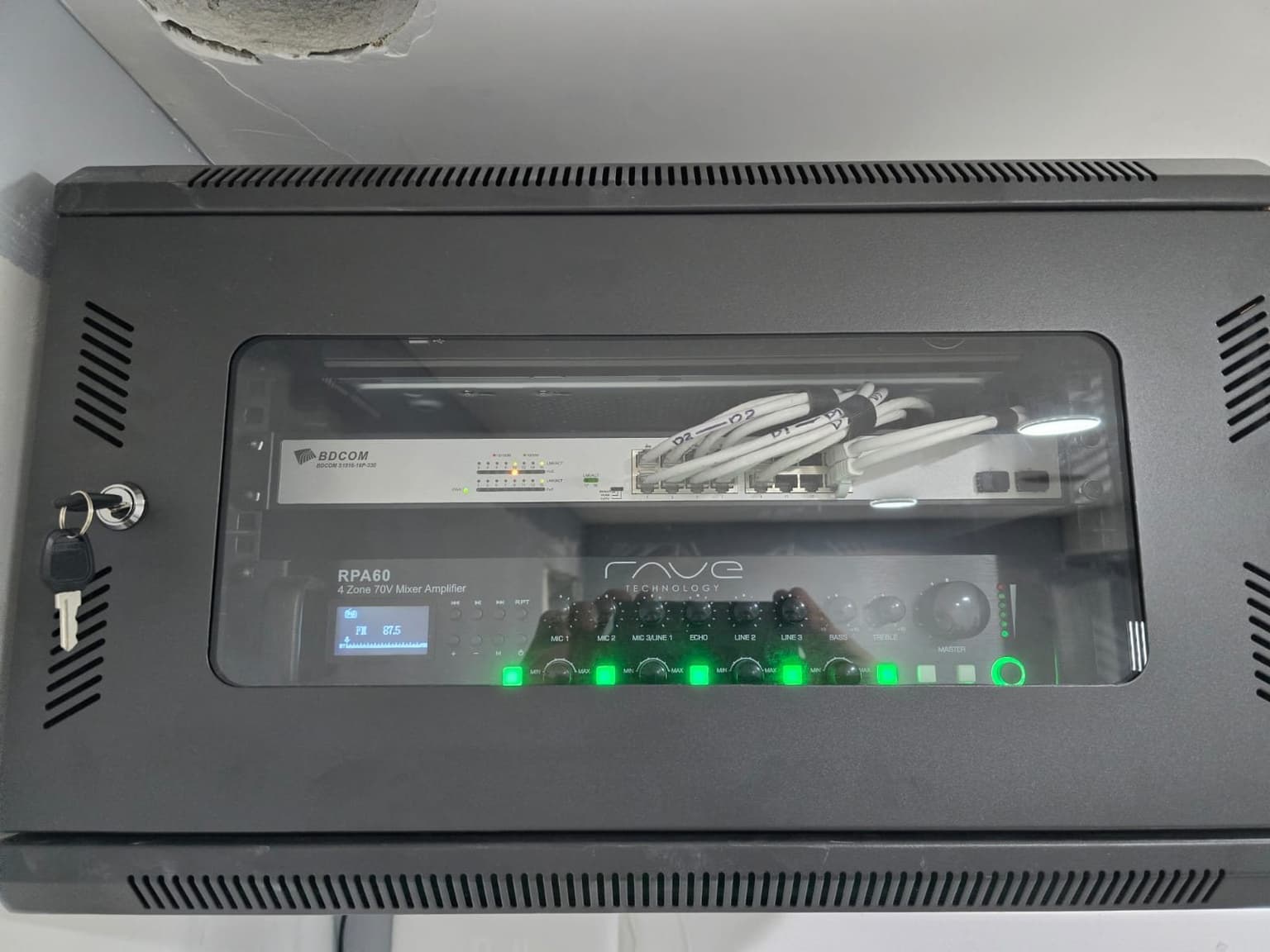
Keyed wall cabinet, gear behind glass
Camera Maintenance questions
Don't see yours? Call or text 647-797-8315.
What does commercial security camera maintenance include?
The scope can include physical camera views, accessible housings and connections, recorder and storage status, recent playback, clip export, time settings, camera names, retention history, PoE or power symptoms, remote access, and authorized users. The final scope depends on the installed system and site access.
How often should a business test its camera system?
The interval should match the site risk, operating requirements, and the cost of missing footage. Businesses should also test after renovations, network changes, power events, repeated camera loss, or any incident that exposes a retrieval problem. A monthly in-house playback and export check is a practical starting point for many small sites.
Can you maintain a camera system installed by another company?
Often, yes. We first need the brand and model information, authorized recorder or account access, cable type, camera count, and known symptoms. Proprietary, unsupported, password-locked, or incompatible equipment can limit what can be tested or serviced.
Does a live camera mean it is recording?
No. A camera may show live video while its recording schedule is wrong, the storage drive has failed, the recorder is not saving that channel, or the expected retention has become shorter. Playback and export of a known recent event are better tests.
Will maintenance fix blurry night footage?
It depends on the cause. Cleaning, aim, focus, exposure, infrared reflection, lighting, or settings may be correctable. If the camera position, lens, subject distance, or available light cannot produce the required detail, the better next step may be a layout or equipment change.
Do you offer camera repair after the maintenance visit?
Yes, when the fault and compatible repair path can be identified. We separate repairable cable, connector, storage, power, camera, recorder, or configuration issues from unsupported equipment and larger system limitations before recommending work.
Ready for a price?
Call, text, or send the form. We reply within a few hours.