
Office Security Camera Installation in Toronto
Office security camera installation in Toronto from GTA Security Camera Pros means wired office camera systems across Toronto and the GTA. We plan the views, cable routes, recorder, network handoff, and user access around the way the workplace operates, not around a generic camera package.
What's included
- Entrance, reception, corridor, and parking coverage
- Server-room and equipment-area planning
- Wired PoE cameras with local NVR recording
- Coordination with landlords, property managers, and IT
- User permissions, playback, and export handoff
- Privacy-conscious fields of view and system access
★★★★★ Google review
“The crew installed new high quality security cameras throughout our office and did a great job. The new cameras work great and very good cabling job aswell”
Start with the events the office needs to understand
An office camera plan should begin with specific security questions: who entered through a public or staff door, what happened at reception, whether someone reached a restricted room, or how an after-hours incident moved through the property. We walk those routes before recommending camera count. Entrances may need an identification view as well as a wider overview, while a long corridor, elevator lobby, parking entrance, or delivery point may need a different lens and angle. Starting with the event keeps the system focused and prevents cameras from collecting broad workplace activity without a defined reason.
Reception, shared areas, and private work require different treatment
Reception and public waiting areas often need enough context to connect a visitor with an entrance or interaction. Shared corridors and supply areas may need overview coverage, while boardrooms, private offices, wellness rooms, washrooms, and other sensitive spaces should not be treated as ordinary camera locations. Workstations and computer displays also deserve care: the useful view is usually the approach to an area, not a close recording of screens or day-to-day desk activity. The business remains responsible for deciding and documenting its surveillance purpose, but the physical layout can support a narrower, more defensible field of view.
Protect equipment rooms without creating another network problem
Server rooms, telecom closets, inventory cabinets, and other restricted equipment areas may be part of the coverage plan. The camera system itself also needs a sensible network and power design. We confirm recorder and PoE-switch locations, cable distance, rack space, ventilation, available power, and the handoff to the office network before installation. Where an IT provider manages the network, we can coordinate the physical connection and supported remote-access requirements with that provider. Camera accounts should use strong, unique credentials, limited permissions, and current supported firmware rather than a shared password passed around the office.
Plan the cable route with the lease and building in mind
Many Toronto offices are leased spaces with finished ceilings, shared risers, restricted telecom rooms, and building rules for contractor access. Before work starts, we review ceiling type, cable pathways, fire separations, base-building restrictions, lift or ladder access, loading arrangements, and approved work hours with the site contact. Exterior cameras, drilling, conduit, common corridors, elevator lobbies, and parking areas may require landlord or property-manager approval. If the office is under construction, camera and network rough-in is best coordinated before ceilings and millwork close so future service points remain accessible.
Size recording around the real review window
There is no useful one-size-fits-all promise for footage retention. Camera count, resolution, frame rate, scene activity, recording mode, and hard-drive capacity all change how much history the recorder can hold. We ask how quickly the office normally learns about an access, property, delivery, or parking incident, then size the NVR around that approved need. At handoff, views receive clear names, the date and time are verified, playback and export are tested, and the responsible contact learns how to retrieve a clip without making the first incident a system-training exercise.
Give access according to responsibility
Remote viewing can be useful for an owner, office manager, or designated security contact, but every employee does not need the same access. Supported systems can separate live viewing, playback, administration, and export permissions. We help configure authorized users and confirm access on the devices selected for handoff. The organization should decide who may review footage, how requests are handled, when clips may be disclosed, and when recordings are deleted. If several offices use the same platform, consistent camera names and user roles make administration clearer while each site keeps its own coverage plan.
Make privacy part of the installation brief
The Office of the Privacy Commissioner of Canada advises private-sector organizations to identify a business reason for surveillance, consider less intrusive alternatives, limit camera viewing range, notify people, secure recordings, restrict access, and destroy footage when it is no longer needed. Its overt-surveillance guidance covers publicly accessible areas and specifically notes that employee surveillance raises separate considerations. For an office, the practical starting point is a written purpose, narrowly aimed cameras, clear notice, controlled accounts, and no audio unless the organization has established a specific lawful need and reviewed the added privacy implications. Legal and workplace-policy decisions remain with the organization and its advisers.
Official planning references
Related services
From our jobs
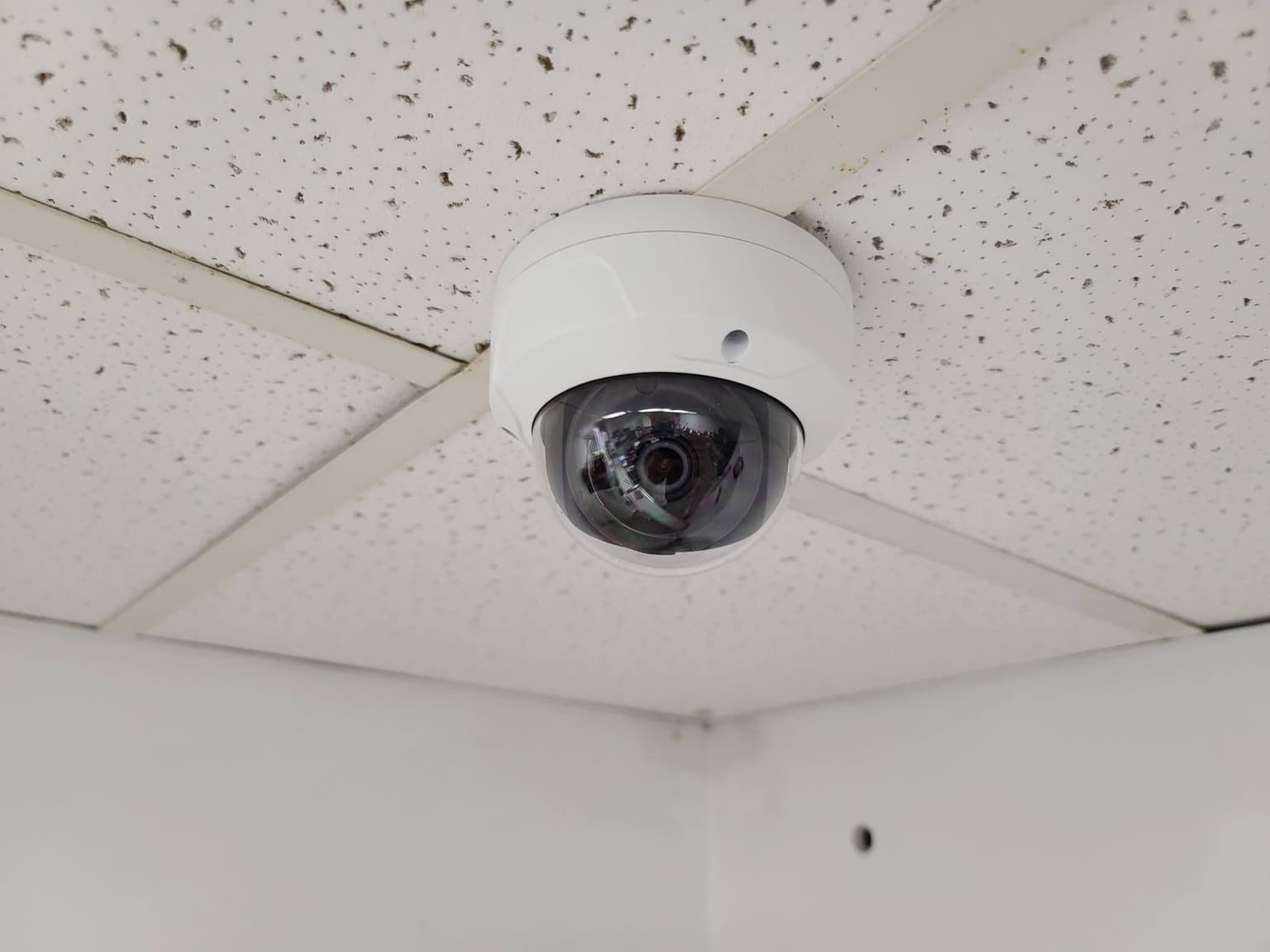
Dome camera in a drop ceiling 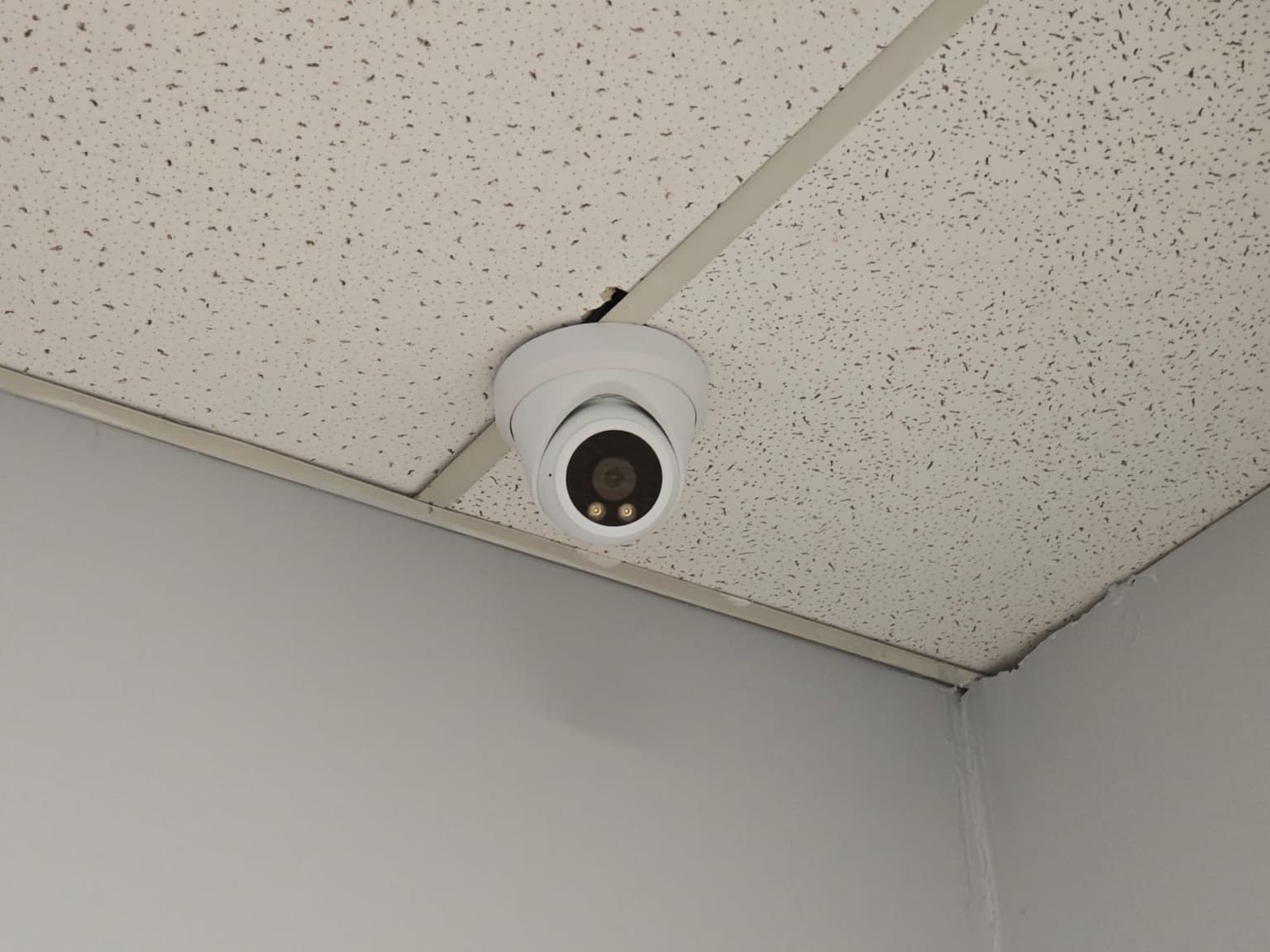
Turret camera in a drop ceiling corner 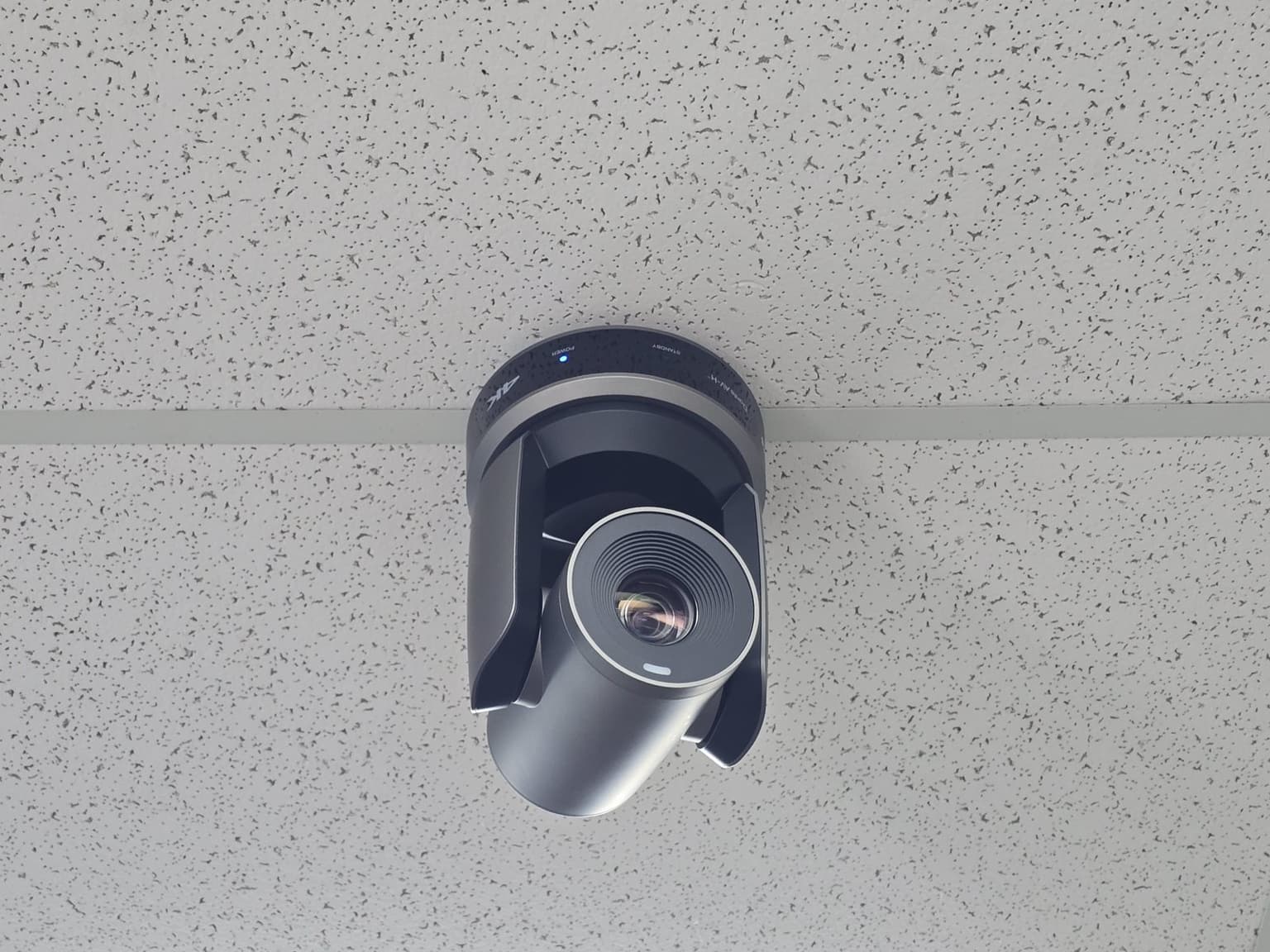
PTZ camera on a drop ceiling 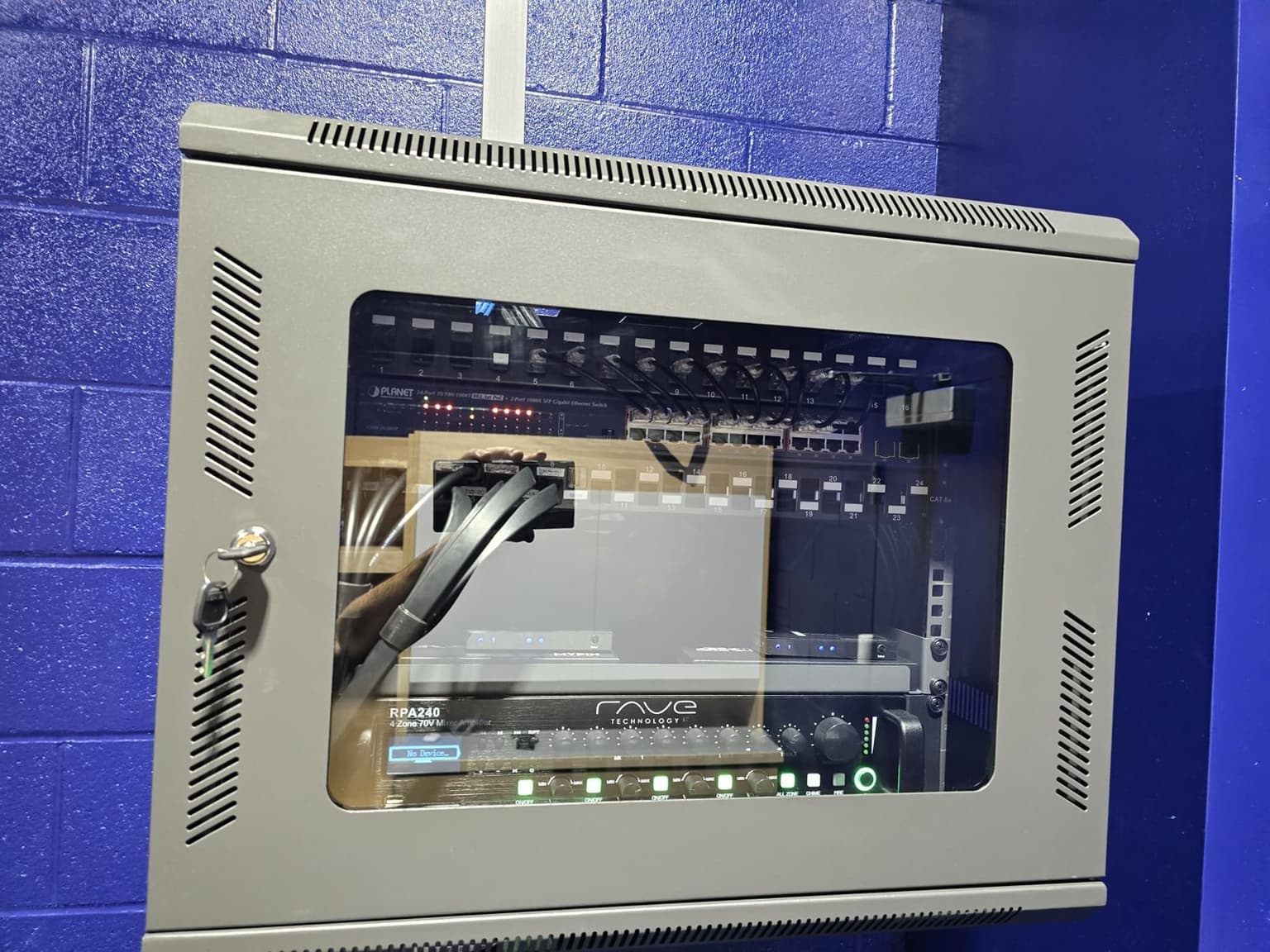
Locked wall cabinet on a block wall
Office CCTV questions
Don't see yours? Call or text 647-797-8315.
Where should security cameras be placed in an office?
Common priorities include public and staff entrances, reception, delivery points, shared corridors, equipment-room approaches, parking access, and exterior doors. The final locations should follow a defined security purpose and avoid private or unnecessarily intrusive views.
Can an office camera system be installed after hours?
Often, yes. Scheduling depends on building access, property-management rules, ceiling conditions, noise limits, lift requirements, locked rooms, and the amount of cabling involved. We confirm those constraints before setting the work plan.
Can you work with our office IT provider?
Yes. We can coordinate the recorder, PoE switching, physical network connection, addressing requirements, and supported remote access with the designated IT contact. The IT provider retains control of the business network and its security policies.
How long should an office keep security camera footage?
The organization should choose a retention period that fits its stated purpose, incident-discovery window, privacy obligations, and internal policy. We then size the recorder around the approved camera count and recording settings instead of promising a generic number of days.
Can managers watch office cameras from a phone or computer?
Supported systems can provide authorized mobile and desktop access. We configure the selected users and demonstrate live view, playback, and export, while the organization decides who should have each permission and how access is reviewed.
Can you install cameras in a leased Toronto office?
Yes, when the proposed routes and mounting locations are approved for the space. Exterior walls, common areas, risers, drilling, conduit, and after-hours access may require landlord or property-manager authorization before work begins.
Ready for a price?
Call, text, or send the form. We reply within a few hours.